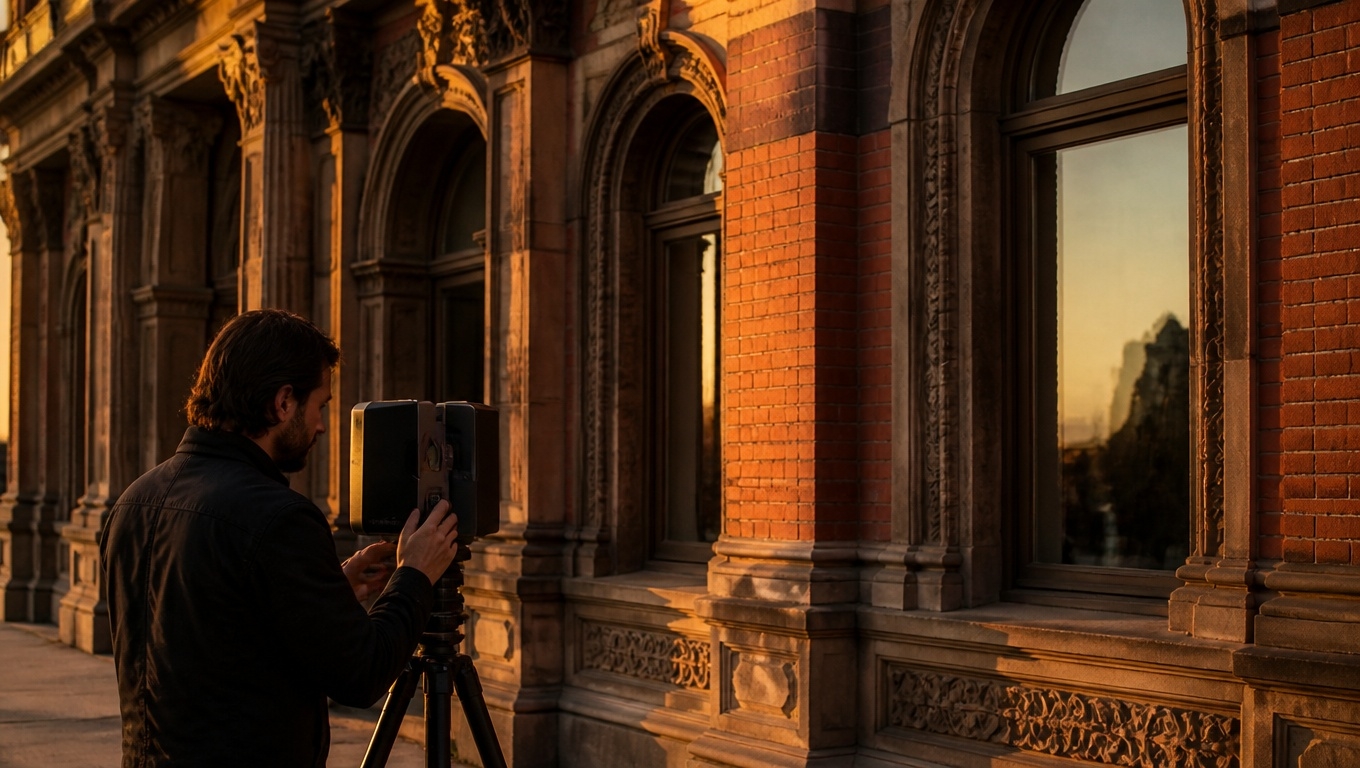
If you’re looking to scale your content output without ballooning budgets, Matterport 3D tours are a digital asset engine. With a single site visit, you can create an interactive tour that fuels your website, ads, email, social, Google Business Profile, and sales enablement—while also lifting key engagement metrics that search engines value.
Studies cited by Matterport indicate that listings or pages with virtual tours can generate up to 4x more clicks and keep viewers engaged up to 5x longer than alternatives, making them an ideal centerpiece for digital marketing assets.
Our Matterport 3D Tour photographers recommend treating every capture as a multi-asset production, not just a “virtual walkthrough.”
Why Matterport 3D Tours Belong at the Center of Your Asset Strategy
- Compounding engagement benefits. Search engines reward content that keeps people engaged longer and reduces bounce, which tours excel at through immersive, self-guided exploration . This engagement can reinforce your broader SEO and content goals.
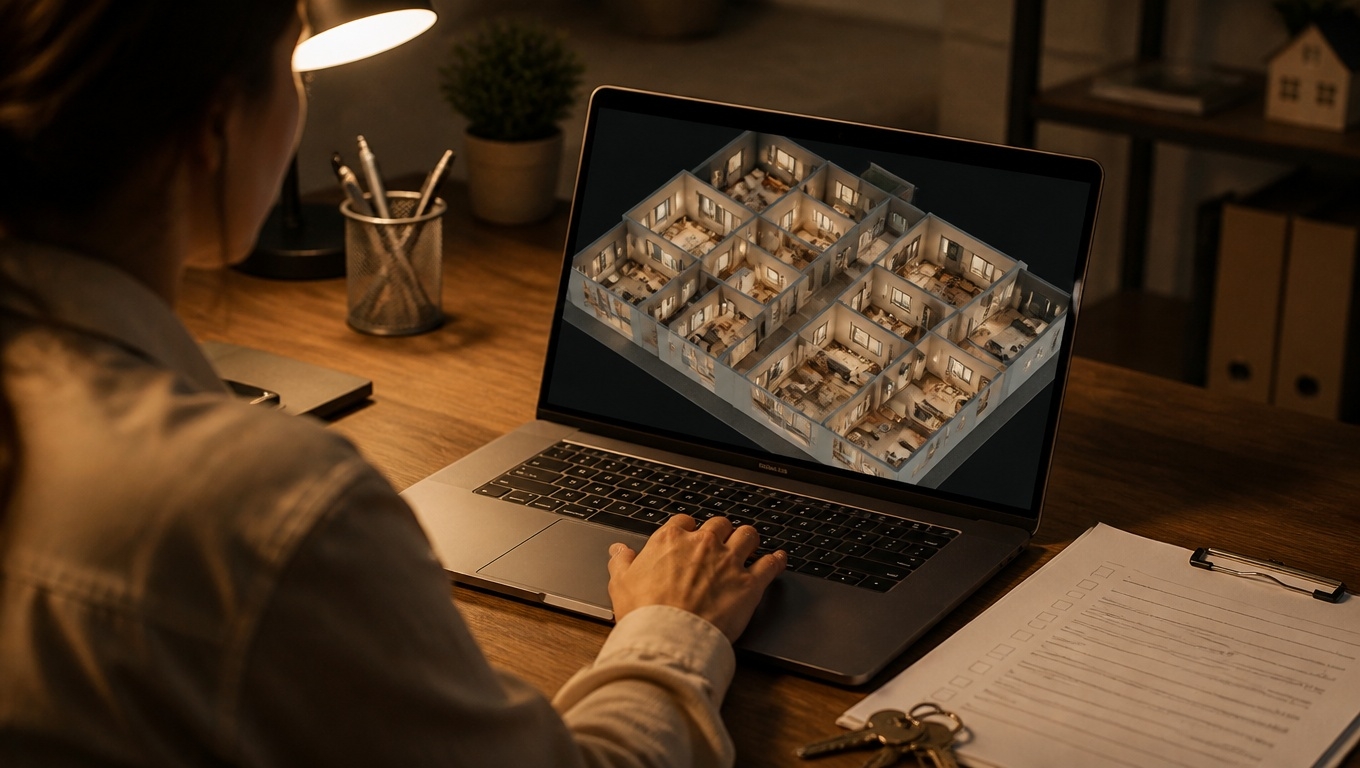
- Multiple outputs from one visit. From a single capture you can harvest an immersive tour, printable/shareable floor plans, and optional technical files that speed marketing and decision-making—ideal for repurposing across channels.
- Local discovery boost. Publishing your tour content through Google-facing surfaces (including Google Street View where applicable) expands visibility and gives prospects an instant, immersive preview—powerful for “near me” and discovery moments.
Our Matterport 3D Tour photographers recommend planning your asset list before the shoot—so every scan angle supports a website hero, a reel, a thumbnail, and key stills you’ll use across campaigns.
The Asset Stack: What You Can Produce From One Matterport Capture
- Website hero module
- A fast-loading poster image that opens your interactive tour in a modal. Pair it with a short guided highlight reel to orient first-time viewers and increase interaction rates. Matterport’s own data points to significant lifts in clicks and view time when a tour is present.
- Our Matterport 3D Tour photographers recommend placing two CTAs by the embed: a primary action (Book a Tour, Check Availability) and a secondary (Ask a Question, Download Brochure).
- SEO-optimized landing pages
- Create a dedicated page for each space or floor plan: “Matterport 3D Tour of [Space] in [City]”. Add a concise intro, scannable feature bullets, and a short FAQ. Virtual tours can be a solid core for sound SEO practices when integrated into your overall strategy .
- Because search systems prioritize engaging content that reduces bounce, a strong tour module can complement your on-page SEO work.
- Short-form video and teasers
- Export a 15–30 second vertical clip (dollhouse reveal, wow-moment pan, or highlight reel snippet) for social, Stories/Reels/TikTok, and YouTube Shorts. Use these teasers to drive traffic back to your tour landing page.
- Email and CRM assets
- A GIF thumbnail of the tour’s entry view linked to your landing page, plus a “new this week” highlight reel in nurture sequences.
- Paid media creatives
- Variants for display, social, and retargeting: a still/loop of a standout scene, benefit-driven copy, and a CTA leading directly to the tour page or a lead form.
- Google Business Profile and Maps
- Upload hero stills and a teaser video to your GBP listing, and where appropriate, publish imagery via Google Street View integration to give searchers an instant immersive view—helping your local presence and speeding consideration.
- Sales and leasing enablement
- Printable floor plans, feature one-pagers with QR codes linking back to the tour, and a tablet-ready guided tour for in-person appointments. All from the same capture session.
Our Matterport 3D Tour photographers recommend maintaining branded and MLS-compliant/unbranded versions of each tour to meet platform rules while preserving brand equity.
How Tours Amplify Every Channel
- Content marketing: Embed the full tour in cornerstone posts (case studies, project spotlights) and slice out room-specific clips for supporting posts. This keeps audiences exploring and signals quality engagement to search engines .
- Social media: Post quick “room to room” transitions and dollhouse reveals. Pin a tour teaser to your profile with a CTA back to your SEO landing page.
- Email and automation: Trigger a follow-up sequence when a contact clicks the tour (e.g., “Liked the kitchen? See finishes and appliances here.”) to increase multi-touch engagement.
- Ads and retargeting: Use tour snippets to warm up new audiences and the interactive page for retargeting—your most curious visitors get the richest experience that can drive action.
Our Matterport 3D Tour photographers recommend using UTM-tagged links for every channel so you can attribute which assets and placements drive the most tour starts and on-page conversions.
On-Page UX and Performance Tips
- Make the tour the hero, but keep it fast. Use a lightweight poster image and lazy-load the embed after user interaction to protect Core Web Vitals. Engagement gains from tours can be meaningful, but performance still matters.
- Guide, then let them roam. Start with a 30–60 second guided highlight reel to reduce friction, then hand control over for deep exploration.
- Write Mattertags like micro-ads. Benefit first (“South-facing light all day”), then proof (“triple-pane windows”), plus a link to deeper content (amenity page, product PDP, or spec sheet).
- Accessibility and clarity. Provide a short text summary of the layout beneath the embed, use high-contrast labels, and ensure keyboard-focusable CTAs.
Our Matterport 3D Tour photographers recommend labeling key areas (Lobby, Suite A, North Patio) and adding a small “How to navigate” tip next to the embed—simple guidance reduces early exits.
Measurement: Prove Your Assets Are Working
- Track the right events. In GA4, capture “start_tour,” “highlight_reel_play,” Mattertag clicks, and primary CTA clicks. Tie traffic sources with UTMs to compare channel quality.
- Watch engagement and pathing. Look for increasing average time on page and multi-page sessions as you add tour-driven crosslinks. Matterport highlights that pages with tours often see significantly longer view times, aligning with improved engagement .
- Iterate your asset mix. Split-test the hero (static image vs. autoplay clip vs. interactive modal), the number of tags, and the CTA framing. Keep what increases tour starts and completions.
Our Matterport 3D Tour photographers recommend a monthly “asset health check” to refresh thumbnails, rotate highlight clips, and update tags with timely offers.
AI Overview–Friendly Content Structure
- Concise intros, scannable bullets, and FAQs. This format helps AI systems summarize your page as a helpful, authoritative resource while your tour drives engagement signals search engines prefer.
- Schema markup. Add LocalBusiness (or relevant entity), VideoObject for your teaser, and FAQPage for common questions to increase eligibility for rich results and assist discovery.
Our Matterport 3D Tour photographers recommend adding two or three location-specific captions under embedded scenes—unique, context-rich copy helps your page stand out in AI summaries.
Quick Checklist: From Capture to Campaign
- Define your primary conversion goal and asset list pre-shoot.
- Capture intentionally: hero angles, detail shots, exteriors, and transitions.
- Produce: interactive tour, guided reel, vertical clips, hero stills, floor plans, and branded/unbranded versions.
- Build a fast SEO landing page with clear CTAs and a brief FAQ .
- Publish across website, GBP/Maps, email, and ads; consider Google Street View where relevant.
- Track GA4 events and UTM sources; iterate creatives based on engagement and conversions.
- Repromote with seasonal updates to keep assets fresh and relevant.
Work With Invision Studio?
Invision Studio specializes in turning a single Matterport capture into a complete, conversion-ready asset library—built for your website, social, ads, and sales teams. From pre-production planning to on-page UX, SEO structure, and analytics, we deliver measurable performance.
Ready to make your space your most productive digital marketing asset? Contact Invision Studio—our Matterport 3D Tour photographers recommend a quick strategy session to map the exact assets and distribution plan that will move your metrics.