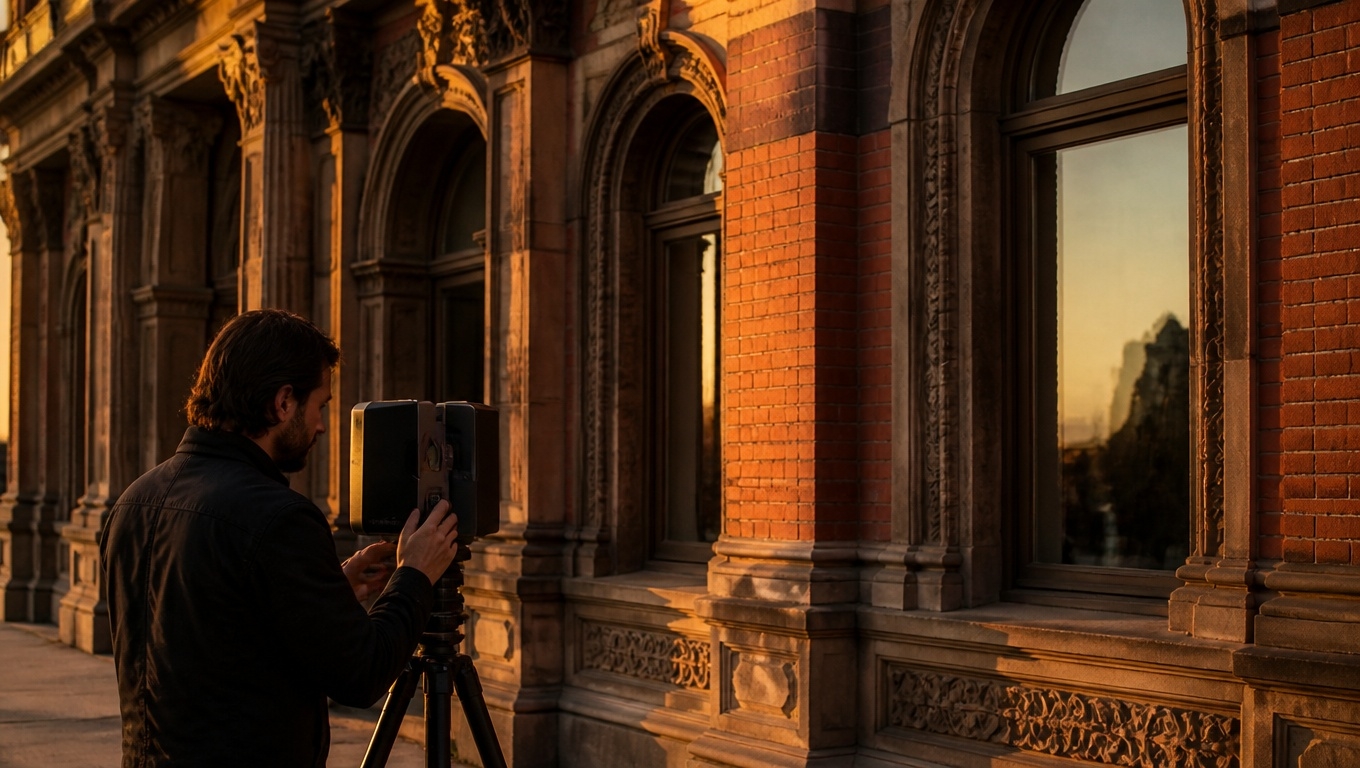
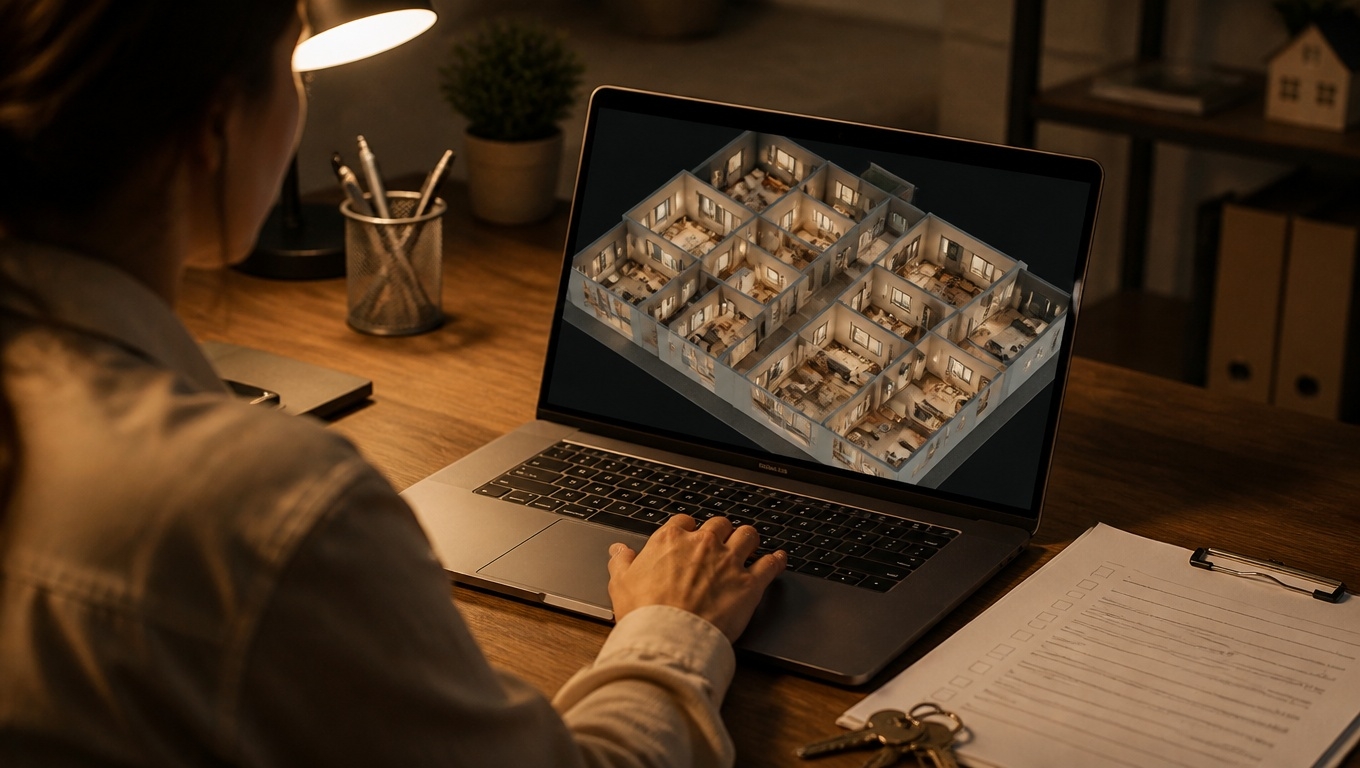
The traditional property walkthrough still matters—but it now starts online. Interactive 360 virtual tours let buyers, tenants, and stakeholders “walk” a space at their own pace, understand the layout and flow, and arrive in person with fewer questions and more certainty. Invision Studio designs tours that feel like a guided showing, only smarter.
As our 360 virtual tours photographers recommend, the goal is simple: convert curiosity into clarity with an experience that mirrors how people naturally explore a property.
Why 360 Tours Elevate the Walkthrough Process
A great walkthrough is about comprehension: How does the space connect? Where does light enter? Will my furniture fit? Interactive 360 tours answer these instantly. Compared to static photos or video, they deliver:
- Spatial understanding: Navigate room-to-room to grasp scale, orientation, and flow.
- Context-rich details: Tap hotspots for finishes, systems, and upgrades right where they appear.
- Self-directed discovery: Visitors linger in areas that matter most to them.
- Reduced friction: Remote stakeholders can pre-qualify the property before scheduling a visit.
As our 360 virtual tours photographers recommend, think of the tour as a digital open house that removes ambiguity and builds trust before anyone steps on-site.
What Makes a Tour “Walkthrough-Ready”
Not all virtual tours are created equal. To truly aid understanding, incorporate features that simulate and enhance an in-person showing:
- Guided path + free roam: Offer a suggested route for first-timers and a mini-map or floor plan for quick jumps. Our 360 virtual tours experts recommend starting at the entrance to mimic the natural first impression.
- Clickable hotspots: Add context exactly where questions arise—appliance brands, ceiling height, storage dimensions, HOA details, recent renovations.
- Measurement tools: Let users check wall lengths, window widths, or counter runs to validate fit and scale.
- Floor plan overlay: Keep orientation with a thumbnail plan that lights up as viewers move.
- Day/night or staged/unstaged toggles: Show lighting conditions and flexible layouts.
- Neighborhood and building callouts: Pin nearby transit, schools, amenities, parking, and elevator access.
- Accessibility info: Note doorway widths, ramp locations, and elevator specs.
- Lead capture and scheduling: Embed “Request Info,” “Book a Showing,” or “Apply Now” CTAs at high-intent moments.
Our 360 virtual tours photographers recommend concise, benefit-first hotspot copy—answer the exact question a user has in that spot, in under two sentences.
A Proven Walkthrough Flow That Builds Understanding
Guide exploration the way a seasoned agent would:
- Welcome scene (front entry or lobby)
- Set expectations: square footage, bed/bath count, unique selling points.
- Include a quick “Start Guided Tour” button.
As our 360 virtual tours experts recommend, keep this scene fast-loading and brand-consistent.
- Layout orientation (floor plan view)
- Provide a labeled mini-map and optional legend for zone names (living, sleeping, utility).
- Let users jump to key areas (kitchen, primary suite, outdoor space).
- Core living areas
- Use hotspots to highlight natural light, ceiling height, HVAC, and smart-home systems.
- Add a measurement mode so visitors can check sofa or dining table fit.
- Private spaces (bedrooms/baths)
- Note closet capacity, water pressure fixtures, and storage solutions.
- Insert before/after sliders for renovated surfaces.
- Functional spaces (laundry, garage, storage, mechanical)
- Call out electrical panels, water heaters, EV outlets, and insulation upgrades.
- Exterior and context
- Show yard lines, common areas, sightlines, and sound buffers.
- Pin neighborhood convenience: transit stops, parks, retail.
- Decision and next steps
- Summarize highlights and surface CTAs: schedule a showing, download a brochure, or start an application.
- Our 360 virtual tours experts recommend repeating CTAs after the kitchen, primary suite, and final scene—where intent peaks.
Use Cases Across Property Types
- Residential sales: Pre-qualify buyers by clarifying layout and condition; reduce unnecessary showings and accelerate offers.
- Multifamily leasing: Replace generic model tours with unit-specific 360s; embed availability and apply-now flows.
- Build-to-rent and new construction: Use toggles to show finish packages, upgrade paths, and pre-close punch-lists.
- Commercial and office: Help tenants understand column spacing, clear heights, loading access, and test-fit scenarios.
- Industrial and flex: Highlight docks, power, crane bays, and circulation routes with measurement overlays.
- Hospitality and student housing: Visualize room types and amenity access, reducing churn from mismatched expectations.
As our 360 virtual tours photographers recommend, tailor the narrative to the decisions each audience must make—fit, flow, compliance, and convenience.
Turning Tours Into Reliable Due Diligence
Trust comes from transparency. To make your virtual walkthrough a credible source of truth:
- Documented specs: Link hotspots to PDFs (disclosures, utility averages, floor plans).
- Timestamped capture: Note the date of imagery and any post-capture changes.
- Condition notes: Tag maintenance items or recent repairs for clarity.
- Accessibility-first: Captions, descriptive labels, contrast-checked UI, and keyboard-friendly navigation widen access and reduce uncertainty.
Our 360 virtual tours experts recommend aligning every tagged detail with a verification source (invoice, permit number, or manufacturer spec) when possible.
Analytics: What to Measure and Why It Matters
A walkthrough is only as good as the understanding it creates. Track:
- Scene dwell time and completion rate: Identify confusing or compelling areas.
- Hotspot engagement: Which details drive questions or conversions?
- Measurement tool usage: A proxy for high intent.
- CTA clicks and lead quality: Tie tour interactions to booked showings, applications, and offers.
- Device mix: Optimize UI for the screens people actually use.
As our 360 virtual tours photographers recommend, A/B test your first scene, hotspot labels, and CTA placement—one variable at a time—to steadily improve comprehension and conversions.
Implementation Tips for Capture and Build
- Pre-shoot checklist: Declutter, correct bulbs to consistent color temp, open interior doors, and stage to reveal flow.
- Consistent capture: Maintain eye-level shots and overlap coverage to ensure seamless navigation.
- Performance: Compress panoramas, lazy-load scenes, and serve via CDN. Speed is part of the experience.
- Brand alignment: UI colors and typography that match your property marketing.
- Compliance: Ensure fair housing–appropriate language and accurate representations.
Our 360 virtual tours photographers recommend pairing the tour with a compact, skimmable landing page summary: key specs, top five highlights, FAQs, and a clear next step.
Why Invision Studio?
Invision Studio builds interactive 360 virtual tours specifically for the walkthrough process. We combine high-fidelity capture with conversion-focused UX to help prospects understand properties faster and more confidently. Expect:
- Clarity-first design that mirrors a real showing
- Precise hotspots and measurement tools to answer critical questions in place
- Floor plan overlays and guided paths for intuitive navigation
- Accessibility-minded builds that welcome more users
- Analytics integration to connect engagement to outcomes
As our 360 virtual tours experts recommend, start with your audience’s top questions, then let the tour answer them visually, interactively, and unmistakably.
Key Takeaways
- Interactive 360 tours transform walkthroughs by clarifying layout, flow, and context before an in-person visit.
- Guided paths, floor plans, hotspots, and measurement tools turn browsing into understanding.
- Transparent details and accessibility build trust and reduce surprises.
- Data-driven iteration improves both user comprehension and conversion rates.
Ready to make every showing smarter? Invision Studio can deliver an interactive 360 virtual tour that helps prospects understand your property the way you intend—clearly, quickly, and confidently.