When buyers, renters, and stakeholders evaluate a property, the first question is rarely about finishes—it’s about the layout. How do rooms connect? Where does light travel? Is the circulation efficient? Interactive 360 virtual tours make these answers obvious.
By blending immersive visuals with layout-aware features, Invision Studio helps prospects understand a property’s plan, flow, and possibilities before they ever set foot inside.
As our 360 virtual tours photographers recommend, design your tour to make the layout unmistakable, not just beautiful.
Why Layout Understanding Drives Faster, Better Decisions
A compelling layout story reduces friction and increases confidence. Compared to static galleries, interactive 360 tours:
- Reveal flow in context: Visitors “walk” the path they’ll live with—entry to living, kitchen to dining, bedroom to bath.
- Clarify scale and adjacency: See how spaces relate, not just how they look.
- Expose circulation strengths and constraints: Corridor widths, turning radii, and door clearances are visible and measurable.
- Support planning: Measurement tools and floor plan overlays help validate furniture fit and use-cases.
Our 360 virtual tours photographers recommend building tours that answer the layout questions a floor plan raises, and the ones it can’t—like sightlines, natural light, and how the space actually feels in motion.
Layout-Forward Features That Make 360 Tours Indispensable
Make your tour function like an intuitive, layout-first walkthrough:
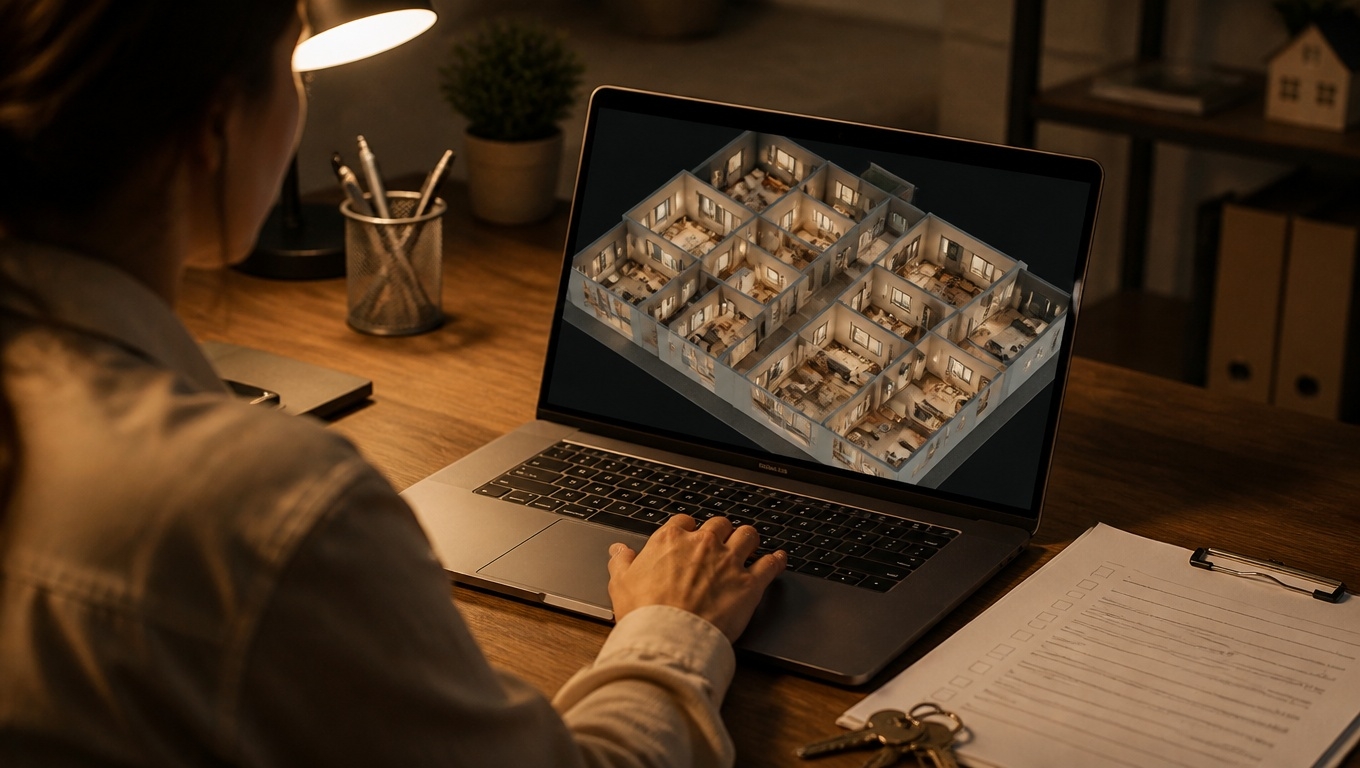
- Floor plan overlay + mini-map: Keep a persistent 2D plan visible. Nodes light up as viewers move, reinforcing orientation.
- Guided path with free roam: Suggest a logical route—entry, living core, private wing, outdoor—while allowing jumps via the mini-map. Our 360 virtual tours experts recommend starting at the front door to mirror real-world flow.
- Room labels and color-coded zones: Label spaces clearly (Living, Prep Kitchen, Flex) and color zones (public, private, service) for instant comprehension.
- Measurement mode: Let users measure wall runs, window spans, and niche widths to confirm fit.
- Multi-level navigation: Stack floor plans and provide clear “up/down” controls for townhomes, mezzanines, or duplexes.
- Sightline hotspots: Show what you can see from key vantage points—kitchen to playroom, desk to window, lobby to elevators.
- Door-state toggles: Display pocket doors, bifolds, and swing doors open/closed to convey clearance and options.
- Day/night and staging views: Reveal how light and layout interact across conditions, and show alternate furniture layouts.
- Accessibility overlays: Mark accessible routes, ramp gradients, door widths, and elevator access.
As our 360 virtual tours photographers recommend, keep hotspot copy short, helpful, and layout-specific—think “9’ island; 42” clearances” or “Primary suite separated by 12’ hallway for privacy.”
Best Practices for Capturing and Building Layout-Centric Tours
- Shoot for flow, not just features: Place capture points at natural turns, thresholds, and axis lines so movement feels intuitive.
- Maintain consistent eye level and compass: Consistent height and north indicator reduce disorientation.
- Stage to reveal pathways: Clear sightlines, open doors that are commonly used, and avoid blocking circulation with props.
- Balance node density: Too many points can overwhelm; too few can hide connections. Our 360 virtual tours experts recommend 6–10 feet between nodes in complex areas, wider in large rooms.
- Use descriptive labeling: “Bedroom 2 (faces east)” beats “Room 2.”
- Prioritize performance: Compress panoramas, lazy-load scenes, and serve via CDN. Speed is part of layout comprehension.
- Accessibility from the start: Labels, alt text, keyboard navigation, and readable contrast widen your audience and build trust.
Use Cases: Where Layout Clarity Pays Off
- Single-family and condos: Reduce unnecessary showings by clarifying adjacency (bedrooms to living), storage distribution, and outdoor transitions.
- Multifamily leasing: Compare A/B/C floor plan variants in one tour; embed availability per layout. Our 360 virtual tours experts recommend a plan selector that updates room labels and measurements dynamically.
- Office and commercial: Convey column spacing, bay depths, egress paths, and test-fit concepts with color-coded program zones.
- Industrial and flex: Highlight dock positions, drive aisles, crane bays, and clear heights with measurement overlays at critical points.
- Hospitality and student housing: Show circulation from entry to amenities and clarify shared vs. private zones to reduce expectation gaps.
- Build-to-rent/new construction: Present upgrade paths and optional walls with toggle states to showcase flexible layouts.
Turning Your Tour Into a Layout “Source of Truth”
Layout comprehension improves when details are verifiable:
- Link documents from hotspots: Floor plans (PDF), MEP schematics, appliance specs.
- Timestamp captures and note changes: “Captured Oct 2025; wall between den and dining made optional in Dec 2025.”
- Call out structure and systems: Beam drops, chase walls, HVAC returns—small details that influence furniture and flow.
- Highlight constraints early: Low soffits, narrow stairs, or limited door swings. Transparency builds trust.
Our 360 virtual tours photographers recommend aligning each layout-sensitive hotspot with a credible source—plan sheet number, permit, or manufacturer spec.
Analytics: Measure How Users Understand the Layout
Track interactions that indicate comprehension and intent:
- Floor plan overlay views and node-to-node paths: Are viewers following the intended route?
- Measurement events: Strong signal of serious interest.
- Hotspot engagement by room: Identify where questions concentrate (kitchen clearances, closet capacity).
- Multi-level navigation usage: Ensure vertical circulation is clear.
- CTA clicks by scene: Place schedule/quote buttons where confidence peaks (kitchen, primary suite, final summary).
As our 360 virtual tours photographers recommend, A/B test your starting scene, floor plan visibility (persistent vs. on-demand), and the labeling scheme to lift engagement and lead quality.
SEO and AI Overview–Friendly Structuring
Great layout-focused tours deserve to be discovered and summarized clearly:
- Dedicated landing page per layout or unit type: Include scannable highlights, FAQs, and scene captions.
- Schema markup: Use Product/Offer for units, Place/LocalBusiness for location, and attach MediaObject metadata for the tour.
- Descriptive alt text and filenames: “Unit-2B-living-to-kitchen-sightline.jpg” helps both search and accessibility.
- Internal links with intent: “Explore the 2-bedroom split layout” outperforms “View tour.”
- Short, labeled sections and bullets: Help AI overviews extract accurate summaries.
- Image sitemap + tour embed above the fold: Improve indexing and UX.
Our 360 virtual tours photographers recommend pairing each tour with a 30–45 second captioned teaser video to boost on-page engagement and social reach.
Why Invision Studio?
Invision Studio specializes in layout-forward interactive 360 virtual tours that transform how prospects understand space. You get:
- High-fidelity capture that preserves true scale and sightlines
- Floor plan overlays, guided paths, and measurement tools that make layouts obvious
- Accessibility-minded UI for inclusive comprehension
- Fast, secure hosting with lightweight embeds
- Analytics integration to connect layout engagement to inquiries, applications, and offers
As our 360 virtual tours experts recommend, we start with your audience’s top layout questions, then design a tour that answers them visually, precisely, and persuasively.
Key Takeaways
- Layout clarity closes gaps: Interactive 360 tours show flow, adjacency, and scale better than photos or video.
- Floor plans, labels, and measurement tools turn exploration into understanding.
- Transparent, accessible details build trust and reduce wasted showings.
- Invision Studio delivers layout-first tours that convert interest into confident next steps.
Ready to make your property’s layout unmistakable? Invision Studio can help you build an interactive 360 tour that turns confusion into clarity—and browsers into buyers.