Interactive 360 virtual tours are no longer a novelty; they’re a customer experience essential. Today’s buyers want to explore on their own schedule, compare options quickly, and feel confident before they commit. Invision Studio builds immersive, interactive 360 virtual tours that do just that—bridging the gap between curiosity and conversion with transparent, self-guided discovery.
As our 360 virtual tours experts recommend, think of your tour as both a storefront and a salesperson: it showcases your space while answering questions in real time.
Why 360 Virtual Tours Win on Customer Experience
When customers can “walk” through a space without friction, trust goes up, anxiety goes down, and decisions accelerate. Interactive 360 tours deliver:
- Control and clarity: Users explore at their own pace, zoom in on details, and revisit areas that matter to them.
- Transparency: A true-to-life, navigable model reduces uncertainty and surprises.
- Engagement: Hotspots, embedded media, and guided paths keep visitors interacting longer.
- Accessibility: Captioned audio, labeled hotspots, and keyboard-friendly navigation support more users.
At Invision Studio, our 360 virtual tours photographers recommend designing every scene and hotspot to answer a specific customer question. If a shopper or guest might ask it, your tour should show it.
What Makes a 360 Tour “Interactive”
A simple panorama isn’t enough. To elevate customer experience, layer interactivity throughout the tour:
- Hotspots that reveal specs, pricing, menus, or safety info.
- Guided storylines to lead new visitors through the most important highlights.
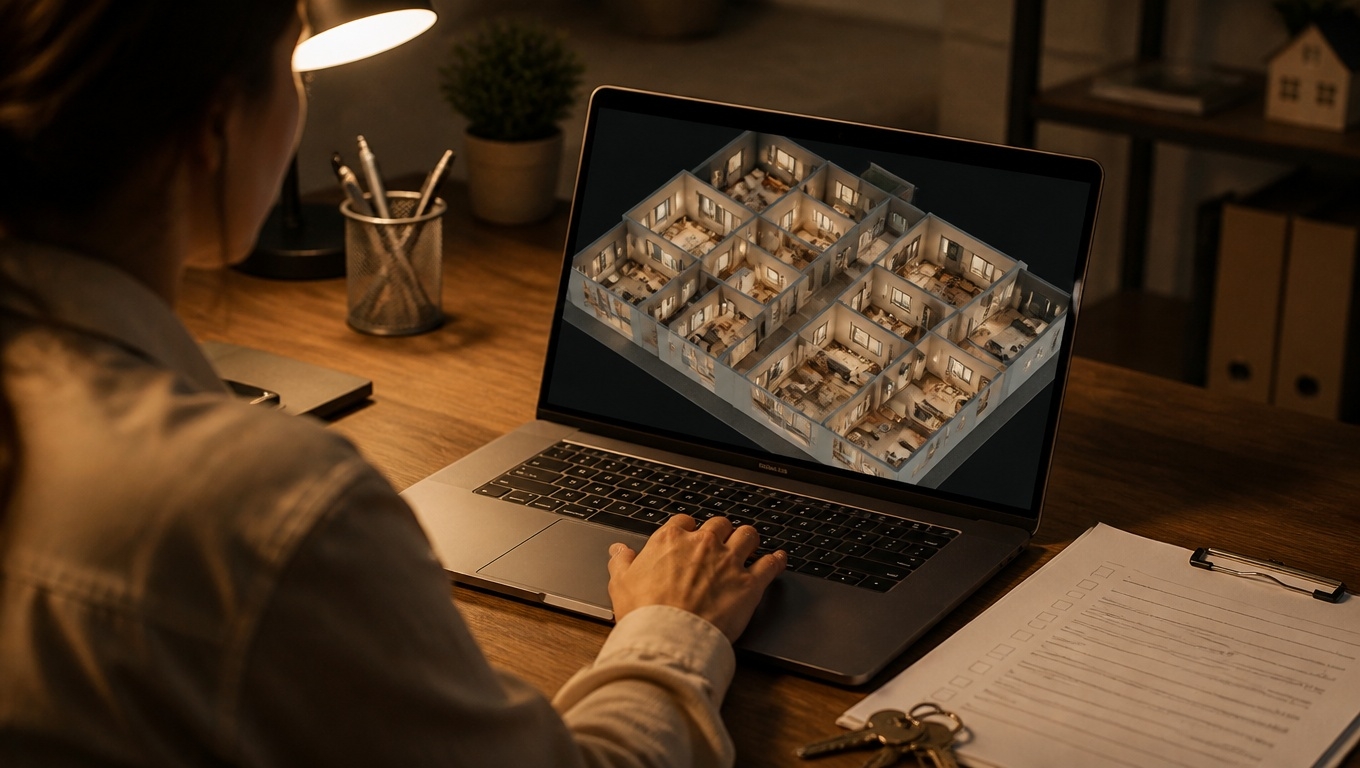
- Floor plans and mini-maps for orientation and quick jumping between areas.
- Lead capture elements (contact forms, booking links, “get a quote” CTAs).
- Multimedia embeds (short clips, before/after sliders, 3D models).
- Multilingual support so customers see content in their preferred language.
- Accessibility features like alt text for nodes, color contrast, and transcripts.
Our 360 virtual tours photographers recommend keeping hotspot copy concise, scannable, and outcome-focused—write for questions customers actually have in that moment.
Industry Use Cases That Delight Customers
- Real Estate: Buyers preview layout, flow, and finishes with clarity; sellers get more qualified inquiries. Add “measure mode” and neighborhood callouts to reduce site-visit surprises.
- Hospitality and Venues: Guests visualize room categories, amenities, and event setups. Integrate booking buttons inside the suite or ballroom they’re viewing to shorten the path to purchase.
- Retail and Showrooms: Let shoppers explore collections, tap hotspots for product details, and add to cart via embedded links. Tie it to seasonal stories or curated looks.
- Education and Campuses: Prospective students navigate facilities, labs, and housing. Include student voiceovers and program highlights to spark emotional connection.
- Healthcare: Tours demystify clinics and surgical centers, easing patient anxiety. Embed pre-visit instructions and ADA information at relevant points.
- Automotive: Highlight trims, interiors, and tech features; link “build and price” or test drive forms within scenes.
As our 360 virtual tours photographers recommend, tailor the narrative to the customer journey. For example, a hotel tour might start in the lobby, then branch into rooms, spa, dining, and booking—mirroring how guests choose.
Design Best Practices from Invision Studio
- Start with a narrative arc: Open with an overview scene, then guide users through key moments of value. Our 360 virtual tours experts recommend a “hero scene” that instantly communicates your brand and differentiator.
- Show, then explain: Let visuals lead; use short, benefit-first captions in hotspots. Avoid walls of text.
- Mobile-first UX: Large tap targets, concise labels, and minimalist UI. Assume one-handed use.
- Fast performance: Compress panoramas intelligently, lazy-load scenes, and use CDN delivery. Speed is a customer experience feature.
- Accessible by design: Clear contrast, keyboard navigability, captions, and descriptive labels. Accessibility broadens your audience and boosts trust.
- Clear CTAs: Place “Book Now,” “Schedule a Tour,” or “Get Pricing” where intent peaks. Repeat the CTA after key scenes.
- Brand cohesion: Consistent color, typography, and tone within the tour UI.
- Social-proof moments: Integrate testimonials near decision points. Our 360 virtual tours experts recommend one short quote per section, not a long carousel.
SEO and Discoverability Tips
Great customer experience deserves to be found. To make your tour AI overview friendly and search-optimized:
- Create a dedicated landing page per tour with unique copy, FAQs, and compressed preview images.
- Embed the tour above the fold with supporting text beneath it for context and indexing.
- Schema markup: Use appropriate structured data (e.g., LocalBusiness, Hotel, Place) and include media object metadata.
- Internal linking: Link to the tour from related pages (rooms, product categories, amenities) using descriptive anchor text.
- Google Business Profile: Add tour links and visuals to GBP posts and the photo gallery.
- Descriptive filenames and alt text: Help search engines and screen readers.
- UTM tracking: Tag campaign links to measure which channels drive engaged visitors.
Our 360 virtual tours photographers recommend pairing the tour with a short, captioned teaser video that can be shared on social platforms and embeds easily in the landing page for additional SEO lift.
Measuring What Matters
To improve customer experience and ROI, track:
- Time in tour and scene completion rates
- Hotspot click-throughs and which content drives action
- Lead captures and bookings initiated inside the tour
- Exit points to spot friction
- Device breakdown for UX optimization
Connect your tour to GA4 and Tag Manager for event tracking, then A/B test different first scenes, hotspot labels, and CTA placements. Our 360 virtual tours experts recommend testing one variable at a time to isolate impact.
Implementation Roadmap
- Plan: Define audience questions, key scenes, and desired actions.
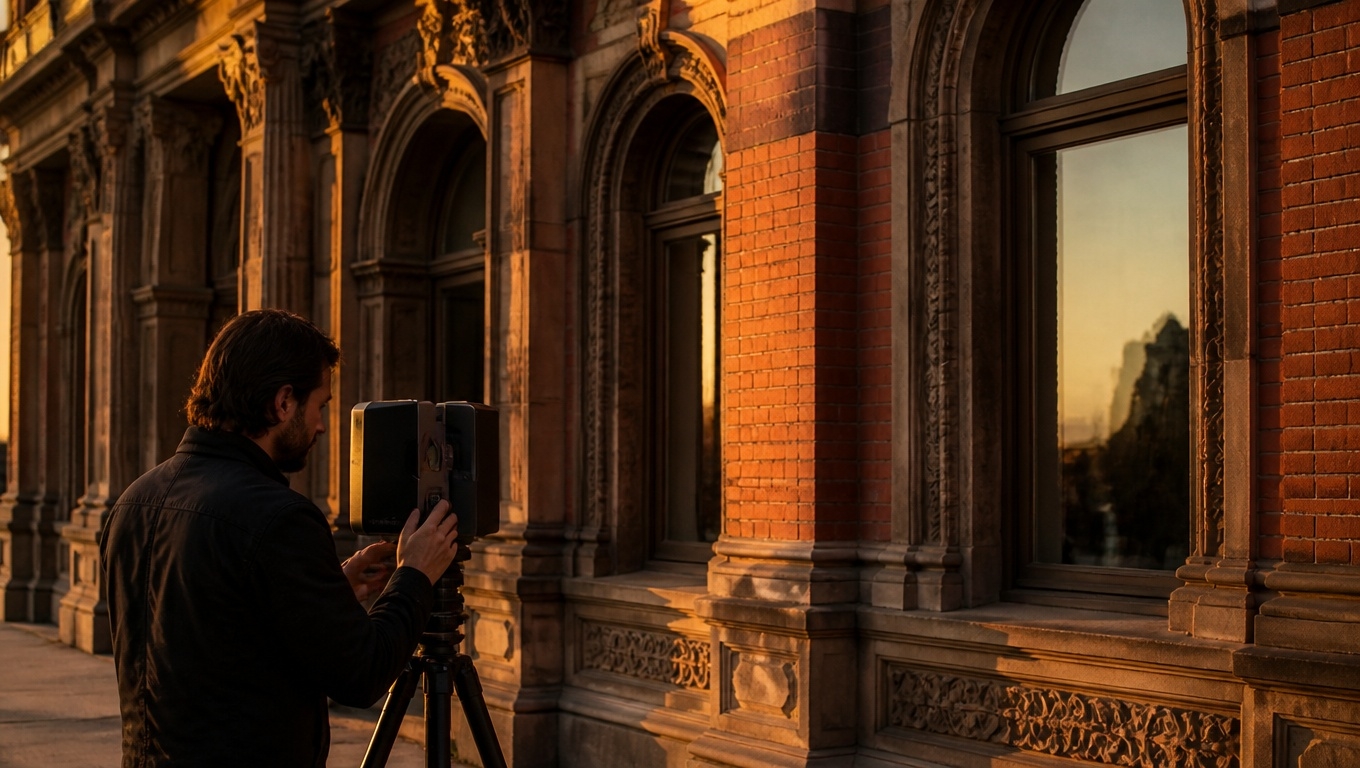
- Capture: Professional 360 photography with consistent lighting and white balance.
- Build: Assemble scenes, hotspots, floor plans, and accessibility features.
- Launch: Embed on a fast, mobile-optimized landing page with clear CTAs.
- Promote: Email, social, ads, and Google Business Profile posts.
- Learn: Review analytics, update hotspots, refine the narrative.
Why Invision Studio?
Invision Studio delivers end-to-end 360 virtual tour solutions that elevate customer experience from the first click:
- Expert capture and post-production for crisp, color-true panoramas
- Conversion-focused interaction design with clear, tested CTAs
- Fast, secure hosting and lightweight embeds
- Accessibility-minded builds that welcome more users
- Analytics integration to tie engagement to outcomes
- Flexible integrations with your CRM, booking engine, or ecommerce
If you’re ready to turn browsing into believing, our 360 virtual tours experts recommend starting with a short discovery call to align on goals, audience questions, and success metrics. Invision Studio is here to help you craft a tour that feels as good as it looks—and converts as well as it informs.
Key Takeaways
- Interactive 360 tours reduce friction, build trust, and help customers decide with confidence.
- Hotspots, guided paths, and fast performance are the building blocks of great CX.
- Accessibility, clear CTAs, and analytics connect the experience to measurable results.
- Invision Studio provides the strategy, production, and optimization to make it all work.