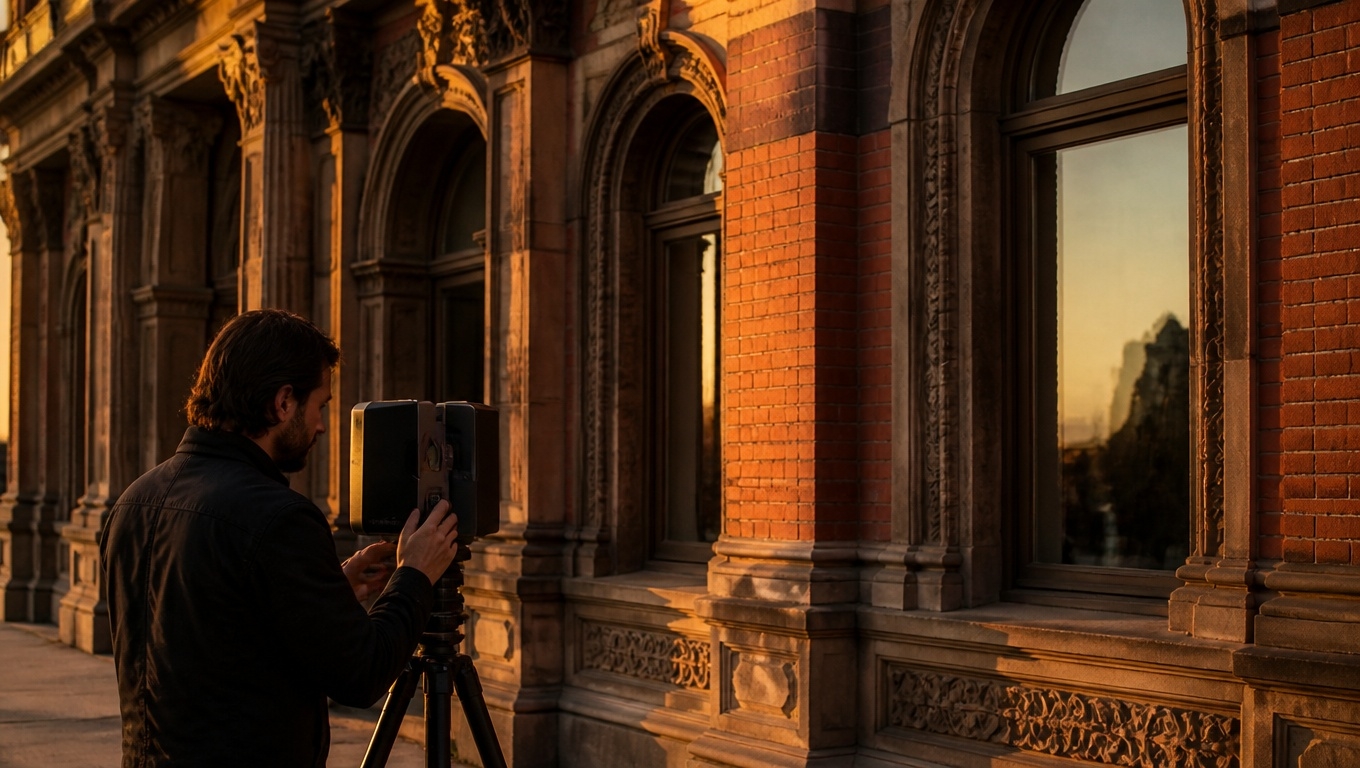
If your ideal buyer, tenant, or investor can’t be there in person, a Matterport 3D tour brings the property to them—beautifully and accurately. With a measurable, interactive walkthrough available on any device, you can shorten decision timelines, increase qualified inquiries, and reduce unnecessary showings.
Partnering with Invision Studio’s Matterport 3D Tour Photographer ensures your tour is captured and curated specifically for remote audiences, so every click answers a question and builds confidence.
Below, you’ll find how Matterport powers remote showings, practical tips to maximize engagement, and why Invision Studio is the best choice to produce a digital twin that sells from afar.
What Makes a Matterport 3D Tour Ideal for Remote Audiences
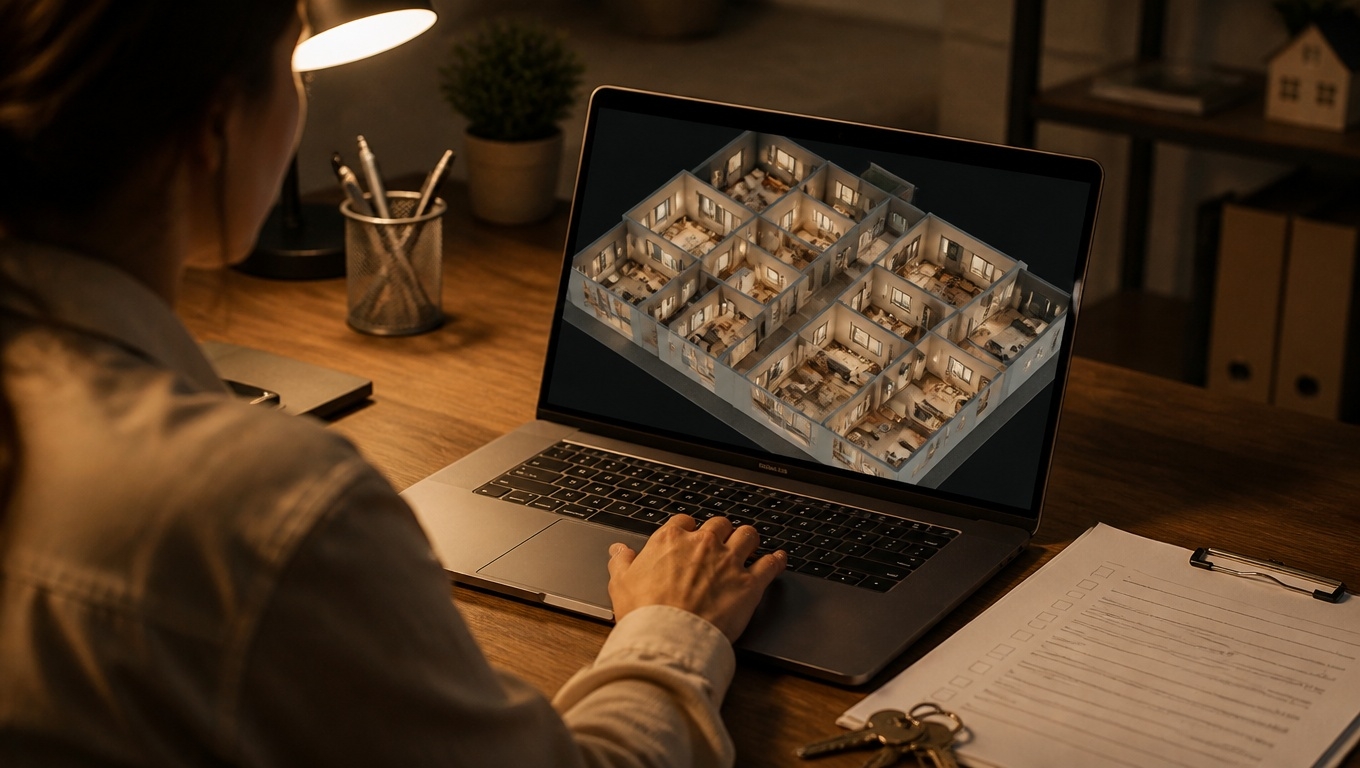
A Matterport tour is more than a video. It’s an interactive, room-by-room exploration that includes:
- Dollhouse and floor plan views to understand layout instantly.
- Precise measurements inside the tour to verify furniture fit, door widths, and ceiling heights.
- High-resolution imagery that showcases finishes, lighting, and condition.
- Mattertags that add context—materials, appliance models, upgrade notes, or links to documents.
- Easy sharing via link, QR code, website embed, or MLS-compliant versions.
Our Matterport 3D Tour Photographer at Invision Studio recommends building guided “highlight reels” so remote viewers can follow a curated sequence and still break out to explore freely.
Who Benefits Most from Remote-Friendly 3D Tours
- Out-of-area buyers and relocating families: Tour multiple homes in a morning without flights or drive time.
- Corporate relocations and HR teams: Pre-qualify housing options for employees and reduce temporary housing costs.
- International investors and 1031 exchanges: Perform faster due diligence with verifiable, dimensionally accurate visuals.
- Students, seniors, and medical staff: Confirm accessibility, room sizes, and proximity features before committing.
- Commercial tenants and asset managers: Evaluate suitability for TI build-outs, equipment clearances, and flow without repeated site visits.
Our Matterport 3D Tour Photographer recommends pairing the tour with schematic floor plans for quick reference—especially helpful for multi-decision-maker households and commercial teams.
How Invision Studio Optimizes Your Tour for Remote Showings
Remote viewers need certainty. Invision Studio’s Matterport 3D Tour Photographer captures and sets up your tour to deliver it:
- Coverage that answers questions: We scan utility rooms, garages, closets, and exterior paths many tours skip—areas remote clients ask about most.
- Lighting, staging, and scan density: Balanced lighting and strategic scan placement improve clarity, navigation, and measurement accuracy.
- Context-rich annotations: We add Mattertags for renovation dates, system specs, HOA notes, school zones, or nearby transit—turning your tour into a self-serve info hub.
- Guided highlight reels: A cinematic path that mirrors an in-person showing, with callouts to orientation, key features, and neighborhood notes.
- Add-on deliverables: Optional schematic floor plans and point clouds (MatterPak) for buyers or tenants who need extra validation.
Our Matterport 3D Tour Photographer recommends capturing 360° exterior panoramas (front, backyard, amenities, parking) to complete the story for remote viewers.
Distribution: Get Your Tour in Front of the Right People, Fast
A great tour needs strategic placement. Here’s how to amplify reach:
- Website and landing pages: Embed above the fold with a strong call-to-action and a contact/booking form nearby.
- MLS and syndication: Use an MLS-compliant link; feature the full tour on portals that support it.
- Email and SMS: Send the tour link to your sphere, relocation partners, and active leads; add a short “What you’ll see” teaser.
- QR codes on print: Yard signs, postcards, flyers, and open-house sheets allow instant mobile access for passersby.
- Social media: Native posts with a one-liner value prop (e.g., “Walk this home in 3D—measure rooms from your phone”).
- Virtual open houses: Screen-share the tour on Zoom/Meet and guide attendees through a live walkthrough.
Our Matterport 3D Tour Photographer recommends adding a 20–30 second teaser video (exported from the tour) for social platforms to drive clicks to the full experience.
Remote Buyer Confidence: What to Highlight in the Tour
To help distant prospects move forward, emphasize clarity and transparency:
- Flow and livability: Start the highlight reel at the entry, then main living areas, kitchen, primary suite, secondary bedrooms, yard, and garage.
- Condition details: Use tags for recent upgrades, appliance brands, roof/HVAC age, and any transfer warranties.
- Measurements that matter: Island length, hallway widths, closet depth, and key furniture fit points.
- Neighborhood context: Tag nearest parks, cafes, transit notes, or school distance with walking/drive times.
- Accessibility cues: Identify entry thresholds, stair counts, door widths, and bathroom layouts where relevant.
Our Matterport 3D Tour Photographer recommends including a brief “How to Navigate” tag near the entry with tips for using measurement tools and switching views.
Commercial and Multifamily: Remote Leasing at Scale
Matterport 3D tours streamline leasing beyond single-family:
- Office and medical: Verify exam room sizes, conference layouts, and egress paths.
- Retail and restaurant: Validate visibility, back-of-house logistics, ceiling heights, and patio opportunities.
- Industrial and flex: Confirm clear heights, column grids, loading access, and power locations.
- Multifamily: Showcase multiple floor plans once; reuse the tour for recurrent leasing cycles.
Our Matterport 3D Tour Photographer recommends labeling suites, stacking plans, and amenity zones inside the tour so multi-site teams and brokers can compare spaces quickly.
Measuring ROI: Analytics and Lead Quality
Matterport provides engagement insights that map to real outcomes:
- Time in tour and return visits: Strong indicators of buying intent.
- Hotspots and path analysis: See what areas matter most and tailor your highlight reel accordingly.
- Lead capture: Use a gated landing page or integrated form to collect contact info before or after viewing.
Our Matterport 3D Tour Photographer recommends pairing analytics with your CRM to trigger follow-ups based on tour engagement (e.g., automated text after 3+ minutes in tour).
Tips to Make Remote Showings Frictionless
- Be upfront about limitations: If areas aren’t scanned (e.g., attic), state it and offer supplemental photos or a FaceTime walkthrough.
- Update as conditions change: Re-scan after staging, major repairs, or seasonal landscape improvements.
- Prepare FAQs in the tour description: HOA fees, utility averages, pet policies, lease terms, parking.
- Offer live guided tours: Host scheduled sessions where an agent screenshares the tour and answers questions in real time.
Our Matterport 3D Tour Photographer recommends twilight exterior panoramas for properties where curb appeal and ambiance drive emotional connection.
Why Invision Studio?
Choosing Invision Studio means your tour is crafted for remote decision-making from the start:
- Planning-first capture that anticipates buyer/tenant questions.
- Consistency and accuracy from an experienced Matterport 3D Tour Photographer.
- Conversion-focused delivery with highlight reels, tags, and embeds that drive inquiry.
- Flexible assets including floor plans, point clouds, and MLS-ready links.
- Scalable service for portfolios, brokerages, and enterprise teams.
FAQ
- Is a Matterport 3D tour accurate enough to replace a second showing?
Often, yes. Buyers and tenants use the tour to verify layout and measurements, then book a final in-person visit only when they’re serious. - How long does scanning take?
Most homes are scanned in 1–3 hours; larger commercial spaces may require more time. Our Matterport 3D Tour Photographer will estimate based on size and complexity. - Can I control who sees the tour?
Yes. We can provide private links, password protection, and blur sensitive details as needed. - Will this work on mobile?
Absolutely. Tours are optimized for phones and tablets, making them perfect for on-the-go remote viewers.
Ready to Reach Buyers and Tenants Beyond Your Zip Code?
Turn distance into an advantage. Book Invision Studio’s Matterport 3D Tour Photographer to create a remote-ready 3D tour that informs, persuades, and converts—no travel required.
Reach out to Invision Studio today and start showing your property to anyone, anywhere.