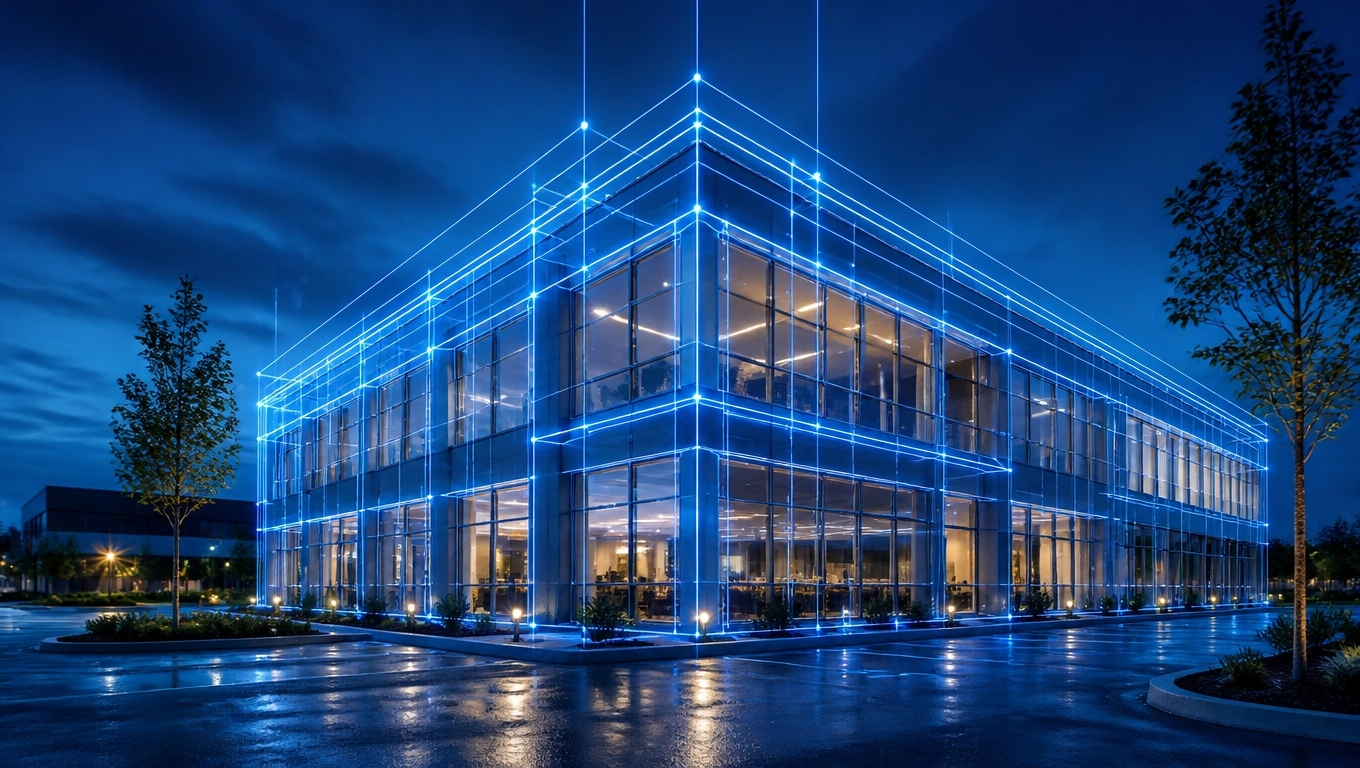
Our Matterport 3D Tour Photographers recommend closing sheer curtains or tilting blinds to a partially closed position for most Matterport scans. This approach softens harsh daylight, prevents blown-out windows, and preserves the warm, inviting look buyers expect — while still letting natural light fill the room.
Table of Contents
- Key Takeaways
- Why Window Treatments Matter in a Matterport Scan
- The Short Answer: Partially Closed Wins
- When Curtains and Blinds Should Be Open
- When Curtains and Blinds Should Be Closed
- How Matterport Cameras Handle Light Differently Than Phones
- Room-by-Room Window Treatment Guide
- Common Mistakes That Ruin a 3D Tour
- Pre-Shoot Window Checklist
- Frequently Asked Questions
Key Takeaways {#key-takeaways}
- Partially closed is the default. Our Matterport 3D Tour Photographers recommend tilting horizontal blinds upward at roughly 45 degrees so light bounces off the ceiling instead of blasting the lens.
- Sheer curtains should stay closed — they diffuse daylight beautifully and hide less-than-perfect views.
- Blackout curtains should stay open and be pulled neatly to the sides, since fully blocking windows makes rooms read as small and cave-like.
- Consistency matters more than perfection. Mismatched window treatments across a floor plan look sloppy in a continuous 3D walkthrough.
- Million-dollar views are the exception. If the window is the selling point, open everything and schedule the shoot for an overcast day or during soft morning light.
- Matterport’s HDR capture helps but isn’t magic. Extreme contrast between a dark interior and a bright window still produces glare, halos, and color shifts.
Why Window Treatments Matter in a Matterport Scan {#why-window-treatments-matter}
A Matterport tour isn’t a single photograph — it’s a series of 360-degree panoramas stitched into a navigable dollhouse model. That means every window in the home is captured from multiple angles, at multiple distances, in a single session.A traditional real estate photographer can bracket exposures, flash the interior, and composite the window view in post-production.
A Matterport scan doesn’t allow that level of per-image retouching. Whatever the camera sees is largely what the buyer sees.Our Matterport 3D Tour Photographers recommend treating window light as a fixed variable you control before the first scan point, not something you fix afterward. Get it wrong and you end up with:
- Pure white rectangles where windows should be
- Dark, muddy walls as the camera compensates for bright glass
- Blue-tinted shadows clashing with warm indoor bulbs
- Visible lens flare streaking across the panorama
- Blurry or ghosted stitch lines near high-contrast edges
The Short Answer: Partially Closed Wins {#the-short-answer}
For the vast majority of residential Matterport shoots, the ideal setting is partially closed.For horizontal blinds, angle the slats upward at about 45 degrees. This throws daylight onto the ceiling, which then bounces down as soft, even fill light. The room stays bright, the window stops competing with the interior, and the slats create a clean, intentional texture.
For vertical blinds, rotate them about halfway so they read as a consistent pattern rather than a jumble of open and closed panels.For sheer or light-filtering curtains, close them fully.
Sheers are the single best window treatment for 3D tours because they diffuse sunlight into a glow rather than a glare.
For roller shades, lower them to roughly two-thirds down if the view is unremarkable, or raise them entirely if the view adds value.
Our Matterport 3D Tour Photographers recommend walking the property before scanning begins and adjusting every window to a matching position. Buyers navigating the tour move room to room in seconds — inconsistency is immediately obvious.
When Curtains and Blinds Should Be Open {#when-open}
There are clear cases where opening up is the right call:The view is a selling feature. Waterfront, mountain, skyline, golf course, or mature-tree lots deserve full exposure. Pull drapes completely to the sides and raise blinds to the top of the frame.
The room is small or dark. Interior bedrooms, basements with egress windows, and north-facing rooms often need every photon they can get. Blocking light here makes an already tight space feel claustrophobic in the dollhouse view.
The weather is overcast. Cloud cover is a natural softbox. On gray days, our Matterport 3D Tour Photographers recommend opening everything, because the contrast ratio between inside and outside drops dramatically.
The window treatments are dated or damaged. Yellowed vinyl blinds, bent slats, and faded valances draw the eye for all the wrong reasons. Pulling them up and out of frame is often the cleaner choice.
When Curtains and Blinds Should Be Closed {#when-closed}
Close up when any of these apply:
Direct sun is hitting the glass. Harsh, unfiltered sunlight at the scan time will blow out the window and cast hard shadow bars across floors and furniture.
The view is unflattering. Neighboring rooflines, utility boxes, parked cars, fences, and air conditioning units don’t help sell a home. Sheers or partially closed blinds solve this without making the room feel sealed.
Privacy is a genuine concern. Ground-floor units facing sidewalks, or homes where a neighbor’s window stares directly in, benefit from closed treatments. This also protects the seller’s privacy, since Matterport tours live online indefinitely.
You need consistency. If three of four windows in an open-concept living area face direct sun, close all four. Our Matterport 3D Tour Photographers recommend prioritizing visual uniformity over optimizing each window individually.
How Matterport Cameras Handle Light Differently Than Phones {#how-cameras-handle-light}
Matterport Pro cameras capture HDR panoramas by combining several exposures at each scan point. That dynamic range is genuinely impressive — far better than a smartphone snapshot — but it has limits.The real challenge isn’t dynamic range alone; it’s color temperature mixing.
Daylight runs around 5,500K (blue-white). Incandescent and warm LED bulbs run around 2,700K (orange-yellow). When both hit the same room, the camera has to pick one white balance. Something will look off.Our Matterport 3D Tour Photographers recommend reducing the amount of raw daylight entering the space so interior lighting can dominate and produce a consistent, warm tone throughout the tour.
Turn on every interior light, close sheers or tilt blinds, and the entire property reads as cohesive rather than patchy.A second technical factor: the camera rotates through a full 360 degrees at each point. If the sun is in frame even briefly, flare can bleed into adjacent sections of the panorama and appear as haze in areas that should be clean.
Room-by-Room Window Treatment Guide {#room-by-room}
| Room | Recommended Setting | Reasoning |
|---|---|---|
| Living room | Sheers closed, drapes open to sides | Shows off the window as an architectural feature while softening light |
| Primary bedroom | Blinds tilted up 45°, blackouts pulled aside | Creates a restful, hotel-like feel |
| Kitchen | Blinds fully open if view is clean | Kitchens benefit from maximum brightness |
| Bathroom | Closed or frosted-glass windows left as-is | Privacy and glare control on reflective surfaces |
| Home office | Partially closed | Reduces screen glare on monitors in frame |
| Dining room | Sheers closed | Prevents harsh shadows across the table surface |
| Basement | Fully open | Every bit of natural light helps |
| Sunroom | Fully open | Light is the feature |
Common Mistakes That Ruin a 3D Tour {#common-mistakes}
- Mixed blind positions within the same sightline. Three blinds up, one down — it’s the first thing viewers notice.
- Curtain panels bunched unevenly. Take thirty seconds to even out the folds on both sides.
- Leaving tilt wands and pull cords dangling. Tuck them behind the panel or wrap them neatly.
- Scanning at high noon in summer. Our Matterport 3D Tour Photographers recommend mid-morning or mid-afternoon scheduling when the sun is off-axis from main windows.
- Forgetting to re-check after a break. Sellers, pets, and kids move things. Do a quick re-walk before resuming.
- Closing everything. A fully shuttered home looks abandoned, not cozy.
Pre-Shoot Window Checklist {#checklist}
Before your Invision Studio photographer arrives:
- Clean all interior window glass — dust and streaks show clearly in 3D
- Dust blind slats and window sills
- Replace any bent or broken slats
- Remove window-mounted air conditioners if seasonally possible
- Unlock and test any blinds that are stuck
- Decide which views are assets and which are liabilities
- Replace burnt-out bulbs so interior lighting is even
- Match bulb color temperature throughout the home where possible
Frequently Asked Questions {#faq}
Should all blinds be at the same height for a Matterport tour? Yes. Our Matterport 3D Tour Photographers recommend matching heights and tilt angles across every window visible in a single pass. Because viewers move continuously through the space, mismatched treatments stand out far more than in static photos.
Do closed curtains make rooms look smaller in a 3D tour? Heavy, opaque curtains can. Sheer and light-filtering fabrics do not — they keep the space feeling open while controlling glare. If you only own blackout drapes, pull them fully to the sides rather than closing them.
What’s the best time of day for a Matterport scan? Mid-morning or mid-afternoon on a lightly overcast day is ideal. Avoid direct sunrise or sunset angles hitting primary windows, and avoid high noon in summer months.
Can Matterport edit out window glare afterward? Only to a limited extent. Matterport offers some post-capture adjustments, but blown-out highlights contain no recoverable data. Controlling light during the shoot is always better than attempting to fix it later.
Should windows be open or closed for twilight or dusk tours? For evening scans, open the treatments. The exterior light level drops below the interior level, so windows render as soft blue rather than white — often a premium, magazine-style look.
Work With Invision Studio
Window treatments are one small piece of a great Matterport tour, but they’re one of the easiest to get wrong. At Invision Studio, our Matterport 3D Tour Photographers recommend a short pre-shoot consultation so we can review your property’s orientation, window placement, and view quality before scan day.
The result is a tour that feels bright, consistent, and professionally staged — the kind of 3D walkthrough that keeps buyers clicking through every room instead of bouncing back to the listing feed.Ready to schedule? Reach out to Invision Studio and let our team handle the details, right down to the angle of the blinds.