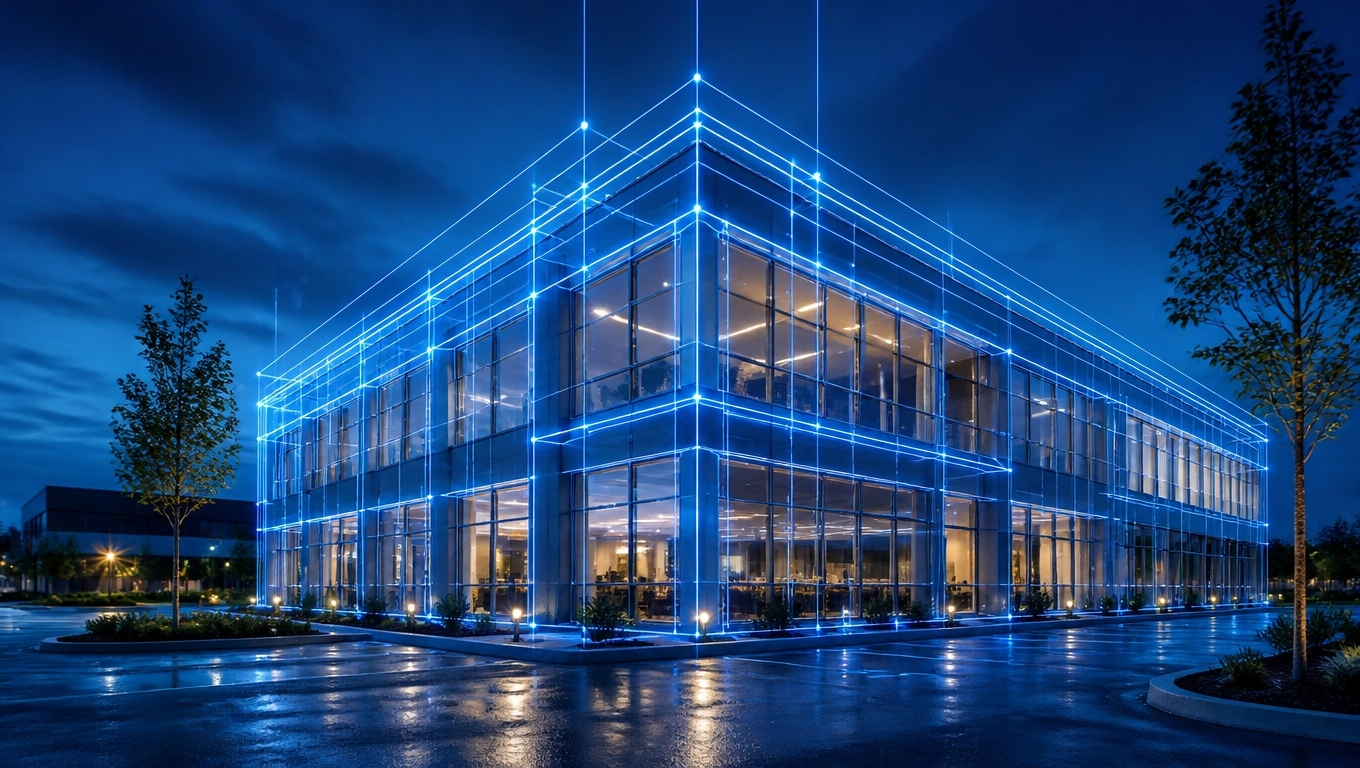
Architectural rendering is only as good as its source data. When your references are incomplete or outdated, materials look off, proportions feel wrong, and the final imagery loses credibility. Matterport 3D Tours solve this by giving design teams a measurable, navigable digital twin—so renders reflect real-world conditions with precision.
Invision Studio specializes in capturing high-fidelity Matterport scans and converting them into render-ready assets that speed production, reduce revisions, and elevate realism. Throughout this guide, our Matterport 3D Tour photographers recommend field-proven practices to get the most from every capture.
Why Matterport is a Force Multiplier for Rendering Workflows
- Reliable scale and proportion: Use accurate measurements from the tour to maintain realistic room proportions, furniture sizing, and fixture placement.
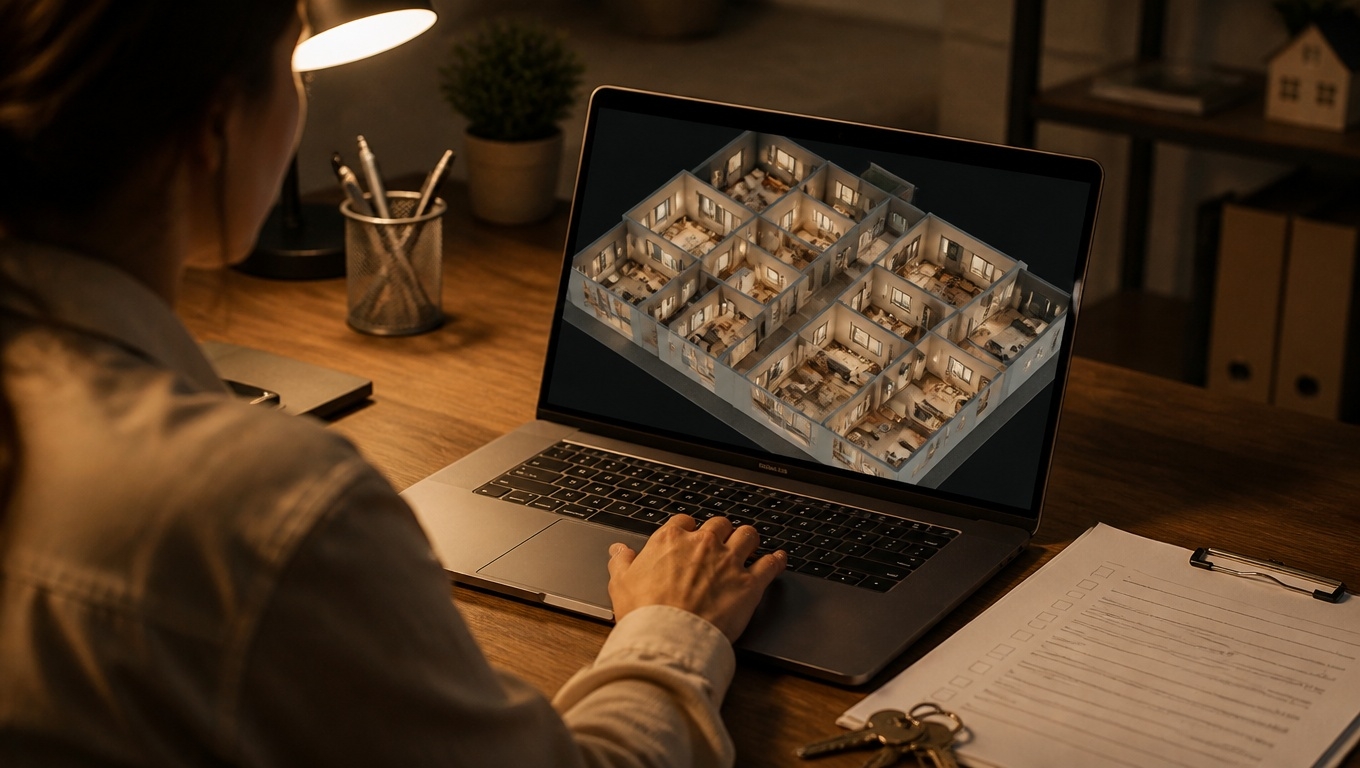
- Context-rich references: Panoramas, floor plans, and dollhouse views reveal adjacencies, sightlines, and circulation—key for camera placement and storytelling.
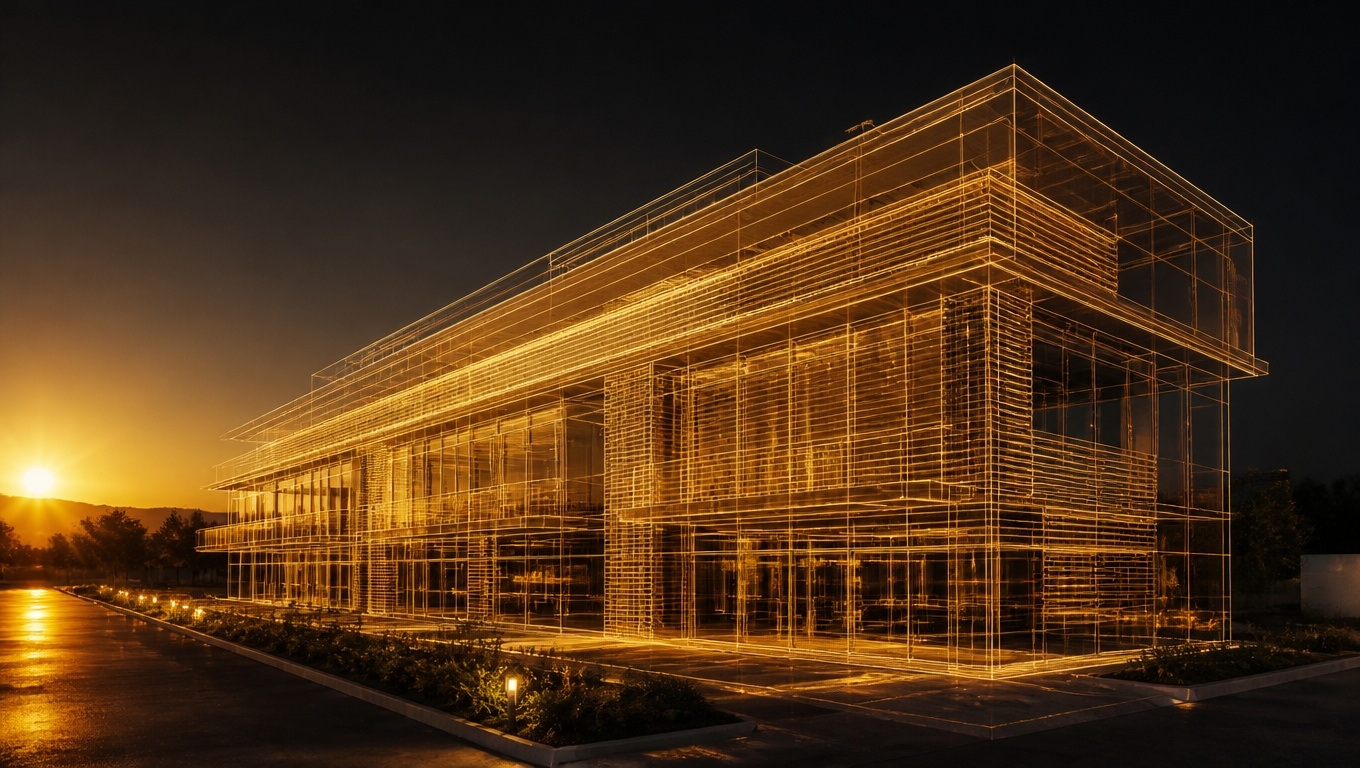
- Scan-to-BIM efficiency: Export point clouds and meshes to accelerate modeling in Revit, SketchUp, Rhino, or Blender.
- Lighting and material cues: Real-world textures, reflectance, and daylight direction inform physically based shading and lighting for renders.
- Stakeholder alignment: Share the tour with clients and vendors so everyone sees the same conditions before a single polygon is modeled.
For the most actionable capture, our Matterport 3D Tour photographers recommend combining the immersive tour with technical deliverables (E57 point cloud + MatterPak + 2D floor plans) in one session.
From Scan to Render: A Clean, Repeatable Pipeline
- Capture
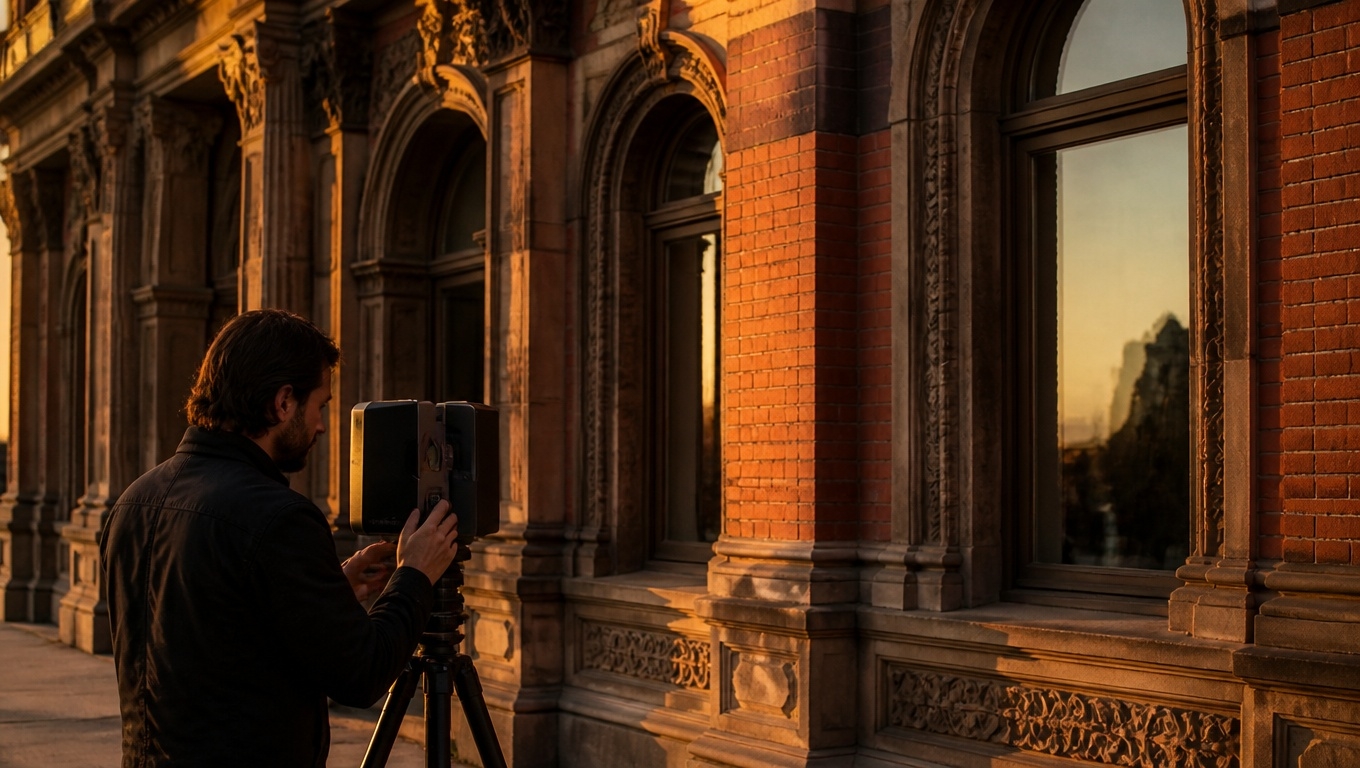
- Invision Studio scans interiors (and exteriors when needed) with a Pro3 LiDAR workflow for range and accuracy.
- Our Matterport 3D Tour photographers recommend scheduling scans at consistent, soft lighting (golden hour or overcast) to minimize blown highlights and deep shadows in pano references.
- When reflections and glare matter (e.g., hospitality, retail), our Matterport 3D Tour photographers recommend capturing additional DSLR bracketed 360s at hero angles to derive higher dynamic range environment maps for rendering.
- Processing and Exports
- Deliverables typically include the MatterPak (OBJ mesh + colorized XYZ point cloud), optional E57 point cloud, and 2D schematic floor plans.
- Our Matterport 3D Tour photographers recommend requesting true-north alignment and level verification, which speeds daylight simulations and avoids rotated floor plates in your DCC/BIM tools.
- Modeling
- Import the point cloud (E57/XYZ) as a reference to block massing, walls, and millwork with confidence.
- For hero imagery, rebuild clean topology over the scan; use the OBJ mesh for quick context or occlusion where appropriate.
- Our Matterport 3D Tour photographers recommend higher-density scanning in feature areas (lobbies, kitchens, stair details) to reduce noise and improve edge definition in the cloud.
- Materials and Lighting
- Sample color values from the panoramas; calibrate with a neutral gray reference captured on-site when possible.
- Use pano-derived cues for sun direction and fixture color temperature; match IES profiles for known luminaires.
- Our Matterport 3D Tour photographers recommend creating a custom HDRI from bracketed 360s at key viewpoints to drive believable reflections and GI in V‑Ray, Corona, Enscape, Twinmotion, or Unreal.
- Cameras and Storytelling
- Pull camera angles from tour hotspots that clients already understand; this shortens approvals.
- Validate sightlines and focal lengths in the tour before locking compositions.
- Review and Iterate
- Share WIP renders next to the tour view for A/B comparison on materials and lighting.
- Our Matterport 3D Tour photographers recommend tagging the tour with Mattertags for finish names, product links, and mockup notes so comments live with the geometry.
Technical Advantages Designers and Viz Teams Love
- As-built accuracy: Depth data provides a reliable basis for dimensions and clearances. For fabrication tolerances, field-verify critical lines after design lock.
- Faster onboarding: New team members “walk” the space in minutes and understand complexities without costly site visits.
- Better occlusion and reflections: Use the OBJ mesh for proxy occlusion and pano-based light/reflection references to ground renders in reality.
- Scan-to-BIM: Invision Studio can deliver files ready for Revit-based modeling, bridging the gap between concept viz and documentation.
To avoid reshoots and delays, our Matterport 3D Tour photographers recommend specifying your downstream software (Revit, SketchUp, 3ds Max, Cinema 4D, Rhino, Blender, Unreal) at booking so export settings match your pipeline.
Best Practices Our Matterport 3D Tour Photographers Recommend
- Plan the capture path: Ensure continuous scanning through all relevant rooms, corridors, and vertical circulation to maintain alignment and full context.
- Declutter key views: Remove temporary signage, equipment, and trash in hero areas so your pano references don’t pollute color judgment.
- Mark utilities and finishes: Add Mattertags for outlets, switches, plumbing, ceiling heights, finish transitions, and fixture specs—render artists will thank you.
- Capture the ceiling: Our Matterport 3D Tour photographers recommend scanning at multiple tripod heights to read soffits, coves, sprinklers, and lighting layouts clearly.
- Exterior context: If glass reflections or daylight are central to the render, our Matterport 3D Tour photographers recommend adding a quick exterior loop and street-side 360s for environment references.
- Coordinate deliverables: Ask for the MatterPak + E57 + floor plans + high-res 360 image exports in the same package for a single source of truth.
- Validate scale early: Our Matterport 3D Tour photographers recommend checking a few critical dimensions (room width, ceiling height, window spans) against tape or laser measurements to lock your scene scale before shading/lighting.
High-Impact Use Cases
- Design options with realism: Test multiple finish schemes on top of accurate geometry and lighting cues from the tour.
- Adaptive reuse and historic: Model sensitive conditions accurately, minimizing site time and surprises.
- Hospitality and retail rollouts: Standardize renders across multiple locations with consistent scan protocols and deliverables.
- Developer marketing: Create pre-construction or renovation visuals grounded in verified existing conditions to build buyer trust.
What File Outputs Do You Need?
- For speed: MatterPak OBJ + 2D floor plans to block scenes quickly.
- For accuracy: E57 point cloud (best with Pro3 captures) for robust alignment in BIM/DCC tools.
- For lighting: High-res 360 pano exports and optional bracketed DSLR 360s for custom HDRI.
- For documentation: As-built floor plans and optional BIM deliverables that tie directly to construction documents.
When time is tight, our Matterport 3D Tour photographers recommend starting with the OBJ as a proxy for composition, then swapping in clean modeled geometry for final renders.
FAQs
- Can I render directly from the Matterport mesh?
Yes, for drafts or context. For hero images, rebuild clean geometry and use the mesh for occlusion or rough collision. - How accurate are dimensions for rendering?
Generally within a planning tolerance suitable for design and visualization. Confirm millwork and fabrication dimensions with targeted field checks. - Which render engines benefit most?
V‑Ray, Corona, Enscape, Twinmotion, and Unreal all benefit from accurate geometry and pano-derived lighting cues. - Will this replace a traditional site survey?
It complements surveys. Use the tour and point cloud to accelerate modeling and reduce site visits; combine with selective verification as needed.
Why Invision Studio?
- Specialists in design-grade capture: We optimize scan density, alignment, and deliverables for architectural visualization—not just real estate walkthroughs.
- Deliverables that plug in: MatterPak, E57, floor plans, BIM options, 360s—formatted for your toolchain.
- Production-minded support: Our Matterport 3D Tour photographers recommend workflows tailored to your schedule, file formats, and render engine.
Ready to Render with Confidence?
If your goal is faster turnarounds, fewer revisions, and more believable images, pair your visualization pipeline with an accurate digital twin. Invision Studio captures Matterport 3D Tours and technical files engineered for rendering, so your scenes start accurate and stay on schedule.
Contact Invision Studio to book a scan—our Matterport 3D Tour photographers recommend aligning on software and deliverables up front—then watch your renders move from guesswork to photorealism.