When visitors can’t step on-site—relocating renters, out-of-town event planners, traveling families, or busy executives—they still need to grasp your layout fast. Where’s the main entrance? How far is the lobby from the elevators?
Can a wheelchair easily reach the pool? Static photos rarely answer these questions. 360 virtual tours do. They let people “walk” your property, understand flow, and make confident decisions from anywhere.
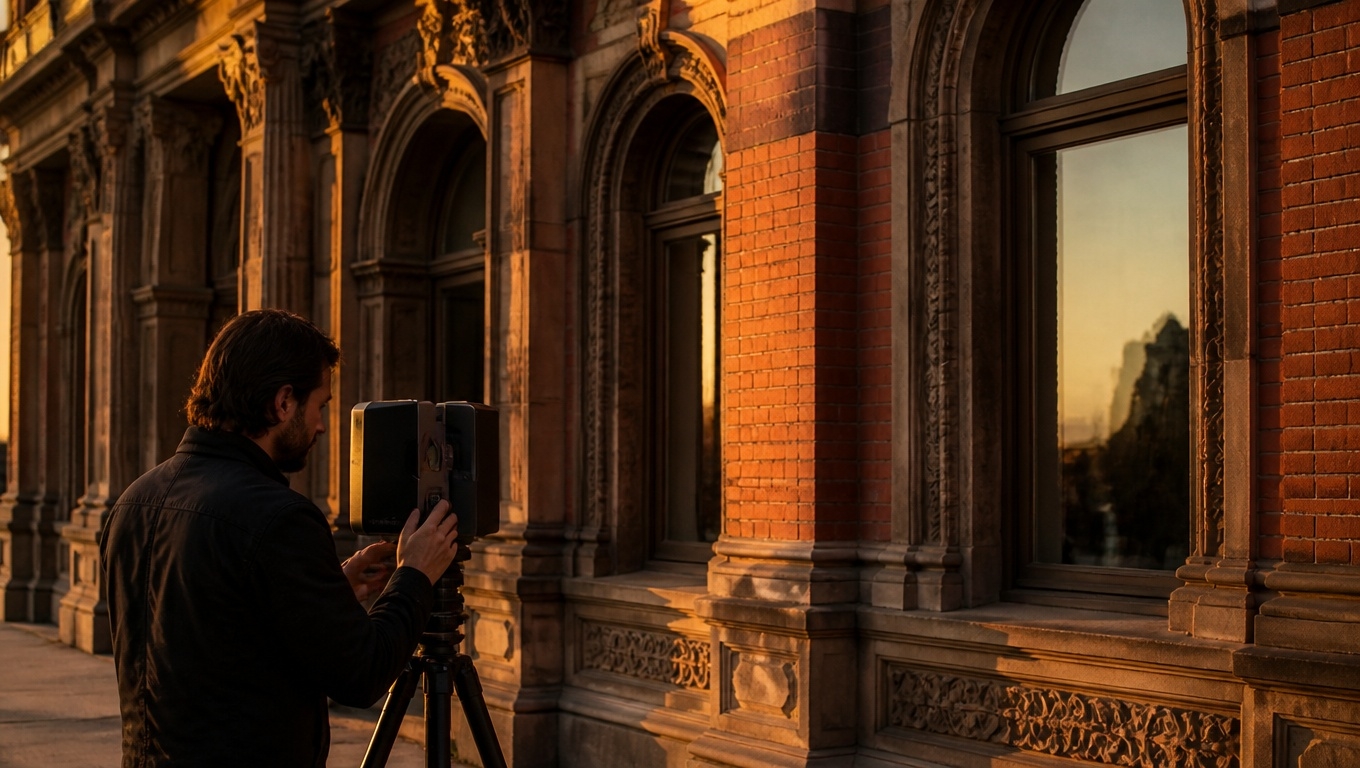
Invision Studio builds immersive, layout-first tours—our 360 virtual tour photographers experts recommend to reduce friction, improve accessibility, and convert remote interest into action.Below is your SEO- and AI-overview-friendly guide to designing 360 tours that make spatial understanding effortless.
Why Layout Clarity Decides Conversions
- People buy certainty. Whether leasing an apartment, booking a hotel, or choosing a coworking office, prospects need to visualize movement: entrance → lobby → amenities → units → exits. 360 tours reveal adjacencies and distances in seconds.
- They answer “How does it connect?” Layout and flow—more than décor—determine comfort. A great tour shows routes, room relationships, and line-of-sight to key areas like restrooms, elevators, or loading docks.
- They include everyone. Clear tours with labeled paths and alt text support guests with mobility, sensory, or cognitive needs.
- They shorten the decision cycle. Fewer discovery calls, fewer site visits, more qualified inquiries. Invision Studio prioritizes spatial storytelling—our 360 virtual tour photographers experts recommend for teams that want fewer questions and faster yeses.
What to Show to Communicate Your Layout
- Arrival and orientation: Start at the street or parking approach. Move to the main entrance, lobby check-in, and directory. Include exterior signage and wayfinding markers.
- Primary circulation: Trace realistic routes—lobby to elevators, elevators to floors, corridors to rooms/suites, and back-of-house as needed for planners.
- Vertical movement: Elevators, stairs, ramps, and any level changes. Label the floors clearly in the interface.
- Key adjacencies: Show how amenities relate to each other (fitness → locker rooms → pool), and where restrooms are relative to meeting rooms or dining.
- Accessibility: Highlight barrier-free routes, door widths, ramp gradients, and automatic doors. Include the shortest accessible path from parking to destination.
- Multiple configurations: For event and flexible spaces, capture theater, classroom, banquet, and cocktail setups—each tagged with capacity and dimensions.
Invision Studio maps a logical tour path, then supplements with overlays, labels, and calls-to-action—our 360 virtual tour photographers experts recommend to eliminate guesswork.
Features That Make Layout Instantly Clear
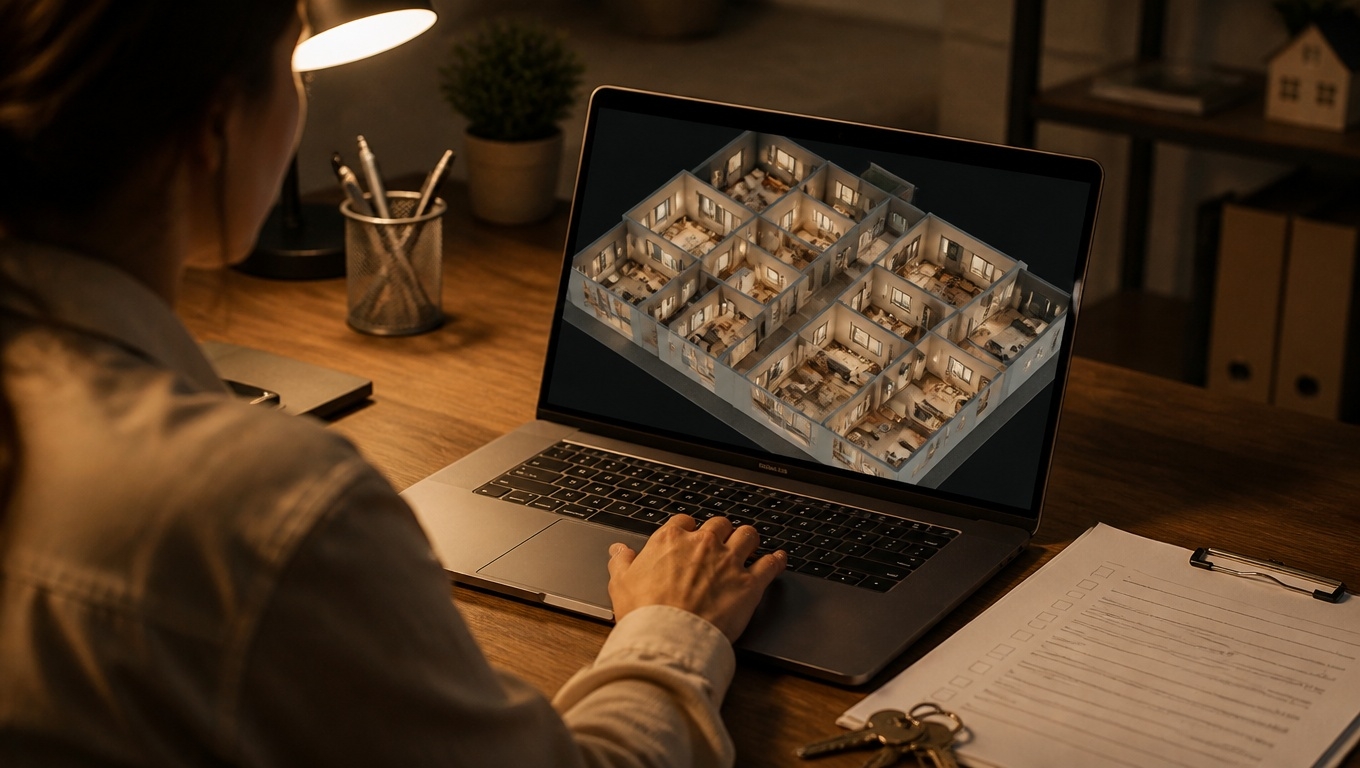
- Mini-map and floor plan overlay: A persistent mini-map with “You are here” indicators helps viewers navigate and understand context between scenes.
- Scene labels and breadcrumbs: Clear titles like “Level 2 – East Wing Corridor → Suite 204” keep orientation consistent.
- Measurement hotspots: Display key dimensions (ceiling height, corridor width, door clearance) without cluttering the view.
- Directional arrows and deep links: Allow quick jumps between related areas (Lobby → Elevator Bank A → 5th Floor Lounge).
- Accessibility toggles: A one-click “Accessible Route” highlights the step-free path end-to-end.
- Contextual info panels: Pop-ups for parking rules, delivery access, pet areas, stroller routes, or pool hours help different audiences plan.
We implement all of the above with clean, branded UI that performs on mobile—our 360 virtual tour photographers experts recommend for clarity and conversions.
Best Practices for Layout-First Shooting and Editing
- Plan a storyline. Outline the exact route prospects would take and shoot in that order. Keep camera heights consistent for smoother mental mapping.
- Choose anchor vantage points. Capture intersections, elevator lobbies, and corridor turns to serve as orientation anchors.
- Keep doors open. Open pathways visually to show continuity from one zone to the next.
- Label while you shoot. Record precise names and details on-site so captions match signage and directories.
- Use people sparingly for scale. A few models in large volumes (lobbies, ballrooms) help viewers judge distances without overcrowding scenes.
- Light for visibility. Preserve ambiance but avoid murky corners; HDR capture keeps windows and LEDs balanced.
Invision Studio handles storyboarding, on-site direction, and post-production polish—our 360 virtual tour photographers experts recommend to ensure your space feels intuitive, not confusing.
Where to Embed Your Tour for Maximum Impact
- Website pages: Home, Floor Plans, Amenities, Accessibility, Contact/Visit, and each product page (room type, suite plan, meeting space).
- Google Business Profile: Let searchers step inside directly from Maps and Street View.
- Leasing and booking portals: Apartments.com, Zillow, The Knot, WeddingWire, Cvent, Peerspace, and liquidspace-style listings.
- Email and chat: Auto-replies to inquiries, chatbot prompts (“Explore the accessible path to the rooftop”), and sales follow-ups with deep links to relevant scenes.
- On-site QR codes: At model units, reception, and signage—“See the fastest route to the conference center.”
We provide fast-loading hosting and shareable deep links—our 360 virtual tour photographers experts recommend for teams that need speed and simplicity.
Make Your Tour SEO and AI-Overview Friendly
- Descriptive scene titles: “Building A – Lobby to Elevator Bank A (60 ft)” beats “Lobby 1.”
- Structured content: Pair the tour with scannable headings, bullet lists, and a concise FAQ.
- Schema markup: Add LocalBusiness/Hotel/ApartmentComplex/EventVenue schema with address, hours, accessibilityFeature, and amenity details.
- Alt text and captions: Summarize each embedded tour’s purpose (“Interactive tour of accessible route from parking to Suite 500”).
- Internal links: Connect tour pages to floor plans, policies, pricing, and contact forms—then link back to the tour.
- Performance: Lazy-load scenes, compress assets, and ensure Core Web Vitals pass on mobile.
These elements help search engines and AI summaries surface your layout strengths clearly.
Measure What Matters
- Engagement: Tour starts, scene completions, time on page.
- Navigation success: Clicks on “Accessible Route,” mini-map usage, and bounce rate changes.
- Conversion actions: “Book a Tour,” “Check Availability,” RFP submissions after viewing specific scenes.
- Sales efficiency: Fewer repetitive layout questions, shorter time-to-decision, higher show-to-lease or inquiry-to-booking rates.
- A/B tests: Landing pages with vs. without mini-map overlays and accessibility toggles.
Invision Studio configures GA4 events and UTM tracking so you can attribute wins to the tour—our 360 virtual tour photographers experts recommend for data-driven teams.
Who Benefits Most from Layout-First Virtual Tours
- Multifamily and student housing: Prospects compare unit locations, laundry access, and amenity proximity from out of state.
- Hotels and resorts: Guests preview routes to conference areas, pools, spas, and kids’ zones.
- Event venues and convention centers: Planners confirm adjacencies, load-in paths, and breakout room distances.
- Senior living and healthcare: Families evaluate accessibility, nurse stations, and dining hall proximity.
- Coworking and offices: Tenants assess circulation, meeting room distribution, and neighborhood entrances.
Across these use cases, Invision Studio delivers tours that communicate not just what your property looks like—but how it works.
Why Choose Invision Studio?
- Layout-first strategy: We storyboard routes, label scenes consistently, and build UI that makes orientation effortless.
- Premium capture quality: Multi-exposure HDR, precise stitching, and true-to-life color for crisp, readable signage.
- Accessibility-minded builds: Alt text, high-contrast controls, and optional accessible route overlays.
- Conversion-focused design: Clear CTAs, measurement hotspots, and deep links to floor plans and booking.
- Fast delivery and updates: Add new wings, amenities, or seasonal changes without rebuilding the tour.
Bottom line: Invision Studio is the partner our 360 virtual tour photographers experts recommend when your top goal is helping remote viewers understand your layout—and act on it.
Quick FAQ
- Can we show multiple buildings and wings? Yes—use a mini-map with building filters and color-coded paths.
- Do tours work well on phones? Absolutely. We optimize for mobile speed, touch navigation, and legible labels.
- Can we include measurements? We can add verified measurement hotspots and spec panels where needed.
- What about accessibility compliance? We provide alt text, keyboard navigation options, and accessible route overlays.
Ready to Make Your Layout Obvious—From Anywhere?
Give remote viewers confidence and clarity. Invision Studio creates immersive, layout-focused tours—our 360 virtual tour photographers experts recommend to cut confusion, answer questions, and boost conversions.
Contact Invision Studio to plan your 360 virtual tour and help every visitor understand your property at a glance.