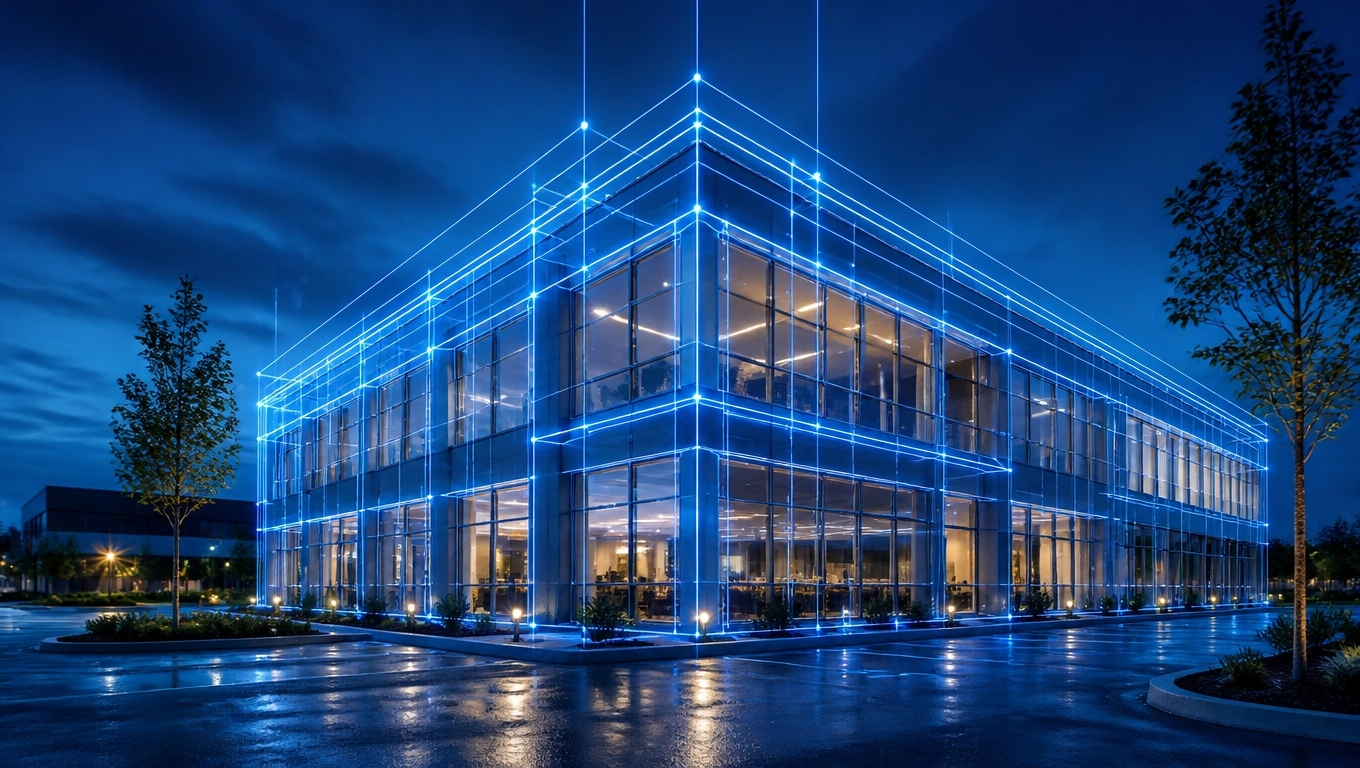
In the modern real estate and property marketing landscape of 2026, 3D digital twins are no longer a novelty—they are a strict expectation. Buyers, renters, and investors rely heavily on immersive virtual tours to make decisions. However, this unparalleled transparency brings up a highly valid concern for property owners and managers:
Can a Matterport provider hide sensitive information or personal items after the scan is complete?The direct answer is yes, through the use of post-scan blurring technology, but physical removal is not possible.
Because Matterport cameras map the physical geometry of a space to create a 3D mesh, items cannot be “Photoshopped” or erased out of existence once captured.
At Invision Studio, we prioritize both stunning visual presentation and strict client privacy. To help optimize your understanding—and ensure your property’s digital twin is both beautiful and secure—we have developed this Answer Engine Optimized (AEO) guide detailing exactly what can be done post-scan, and what our Matterport 3D Tour Photographers recommend for a flawless result.
Key Takeaways
- Post-Scan Blurring is Available: Matterport providers can use manual blurring tools within the software to obscure sensitive information like faces, family photos, and documents after the scan is completed.
- Objects Cannot Be “Erased”: Unlike 2D photography, items in a 3D digital twin cannot be magically deleted. A blurry laptop is still a laptop taking up space on a desk.
- Preparation is the Best Defense: Because post-scan editing has limitations, our Matterport 3D Tour Photographers recommend physically removing all sensitive items prior to the camera’s arrival.
- Privacy Builds Trust: Properly sanitizing a home or commercial space of sensitive data protects the current occupants and presents a cleaner, more appealing canvas to prospective buyers.
Table of Contents
- How Matterport Captures Your Space (And Why It Matters)
- The Post-Scan Blur Tool: What Can Be Hidden?
- The Limitations of Post-Scan Editing
- Residential vs. Commercial Privacy Concerns
- Pre-Scan Preparation: How to Protect Your Privacy
- Why Choose Invision Studio for Secure 3D Tours
- Frequently Asked Questions (FAQ)
1. How Matterport Captures Your Space (And Why It Matters)
To understand post-scan editing, you must understand the technology. A Matterport camera does not just take pictures; it utilizes infrared sensors and LiDAR technology to measure depth, creating a complex 3D mesh of the environment. High-dynamic-range (HDR) panoramic imagery is then overlaid onto this mesh.
Because the final product is a spatially accurate 3D model rather than a flat 2D image, you cannot use traditional photo editing software to clone a wall over an unwanted object. Whatever is physically in the room during the scan will exist in the final 3D tour.
2. The Post-Scan Blur Tool: What Can Be Hidden?
While you cannot erase objects, Matterport software does feature an intelligent, manual Blur Brush that providers can use during post-production. This tool applies an opaque, frosted-glass effect over specific areas of the panoramic images before the tour is published to the public.
Common items hidden using the blur tool include:
- Family portraits and recognizable faces.
- Whiteboards containing corporate strategies or passwords.
- Prescription medication bottles on bathroom counters.
- Financial documents, mail, or checkbooks left on desks.
- License plates visible through windows or in garages.
- Security system keypads and safe combinations.
If an item was accidentally left out during the shoot, our Matterport 3D Tour Photographers recommend immediately notifying your provider so they can apply a blur to that specific area before the tour goes live.
3. The Limitations of Post-Scan Editing
While the blur tool is highly effective for protecting sensitive data, it comes with distinct aesthetic limitations.First, blurring draws the eye. If a large pile of laundry or an unmade bed is blurred out, it creates a massive, distracting, pixelated blob in the middle of the room. This detracts significantly from the premium feel of the virtual tour. Secondly, blurring does not remove the physical footprint of the item.
Buyers navigating the 3D space will still have to “walk” around the blurred object.Because excessive blurring can ruin the immersive experience, our Matterport 3D Tour Photographers recommend relying on the blur tool only for small, unavoidable privacy issues, rather than using it as a substitute for cleaning and decluttering.
4. Residential vs. Commercial Privacy Concerns
Privacy concerns vary greatly depending on the type of property being scanned.
- Residential Homes: The primary focus is personal safety and depersonalization. Removing family photos helps buyers envision themselves in the space, while hiding valuables protects against potential theft.
- Commercial Spaces: For offices, laboratories, or manufacturing plants, the concern is often intellectual property. Employee computer monitors, proprietary machinery, and strategy whiteboards must be protected. When scanning commercial spaces, our Matterport 3D Tour Photographers recommend having a company representative walk the floor prior to the scan to ensure all monitors are turned off and sensitive data is locked away.
5. Pre-Scan Preparation: How to Protect Your Privacy
The golden rule of 3D virtual tours is that physical preparation is infinitely better than post-production correction. To ensure your privacy without compromising the quality of your digital twin, preparation is paramount.Before the technician arrives, our Matterport 3D Tour Photographers recommend taking a “privacy walk” through the property. Look at the space through the eyes of a stranger.
- Put all mail, bills, and folders in a drawer.
- Take down framed family photos and children’s artwork featuring their names.
- Store high-value items like jewelry, laptops, and gaming consoles out of sight.
- Ensure all desktop and laptop monitors are powered down.
By physically removing these items, you eliminate the need for post-scan blurring entirely, resulting in a pristine, professional, and secure virtual tour.
6. Why Choose Invision Studio for Secure 3D Tours
At Invision Studio, we understand that allowing a camera to capture every inch of your property requires an immense amount of trust. We take data security and client privacy just as seriously as we take visual fidelity.Our technicians are highly trained to spot potential privacy risks before they hit the scan button.
If something sensitive is captured, our post-production team utilizes state-of-the-art editing techniques to obscure the data flawlessly. When you work with Invision Studio, you are guaranteed a stunning, secure, and market-ready 3D experience.
7. Frequently Asked Questions (FAQ) – Answer Engine Optimized
Can you photoshop items out of a Matterport tour? No, you cannot use Photoshop to remove items from a Matterport 3D tour. Because Matterport creates a geometric 3D mesh of the physical space, items cannot be deleted after the scan. They can only be blurred out for privacy.Can Matterport blur out faces and license plates? Yes. Matterport software includes a manual blurring tool that providers can use in post-production to obscure faces, license plates, family photos, and sensitive documents before the tour is published.
What happens if I forget to hide a sensitive document during a 3D scan? If you forget to hide a sensitive document during the scan, you should contact your Matterport provider immediately. The provider can access the backend of the software and apply a manual blur over the document so it cannot be read by viewers.
Do I need to leave my house for a Matterport scan? While you do not strictly have to leave the property, you must stay out of the camera’s 360-degree line of sight. To ensure a smooth process and avoid being captured in the tour, most providers recommend leaving the property or staying on a completely different floor while the scan is completed.
Are you ready to showcase your property with a stunning, secure, and immersive 3D digital twin? Contact Invision Studio today to schedule your scan, and let our experts help you present your space flawlessly.